The collaborative UI/UX
design tool, powered by AI
Design app and web interfaces together. Create editable layouts with AI, connect screens into prototypes, and hand off designs to developers in one workspace.

- Free plan
- Import Figma, Sketch, and XD


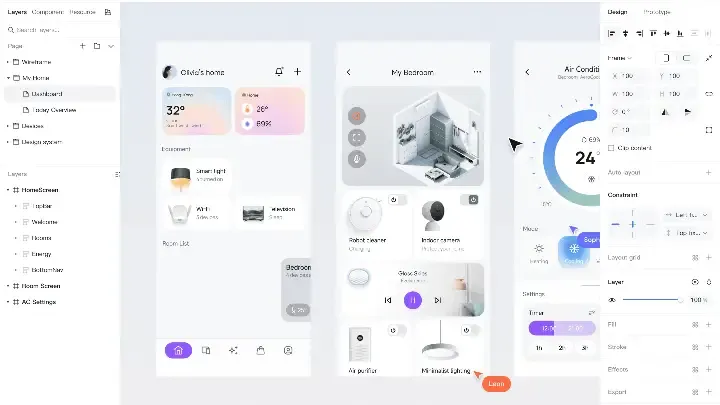
BYD adopted a private deployment of Pixso for vehicle HMI design. The workspace connects product, design and development teams, with training to support adoption.

Trusted by design teams








A connected workflow
for UI/UX design
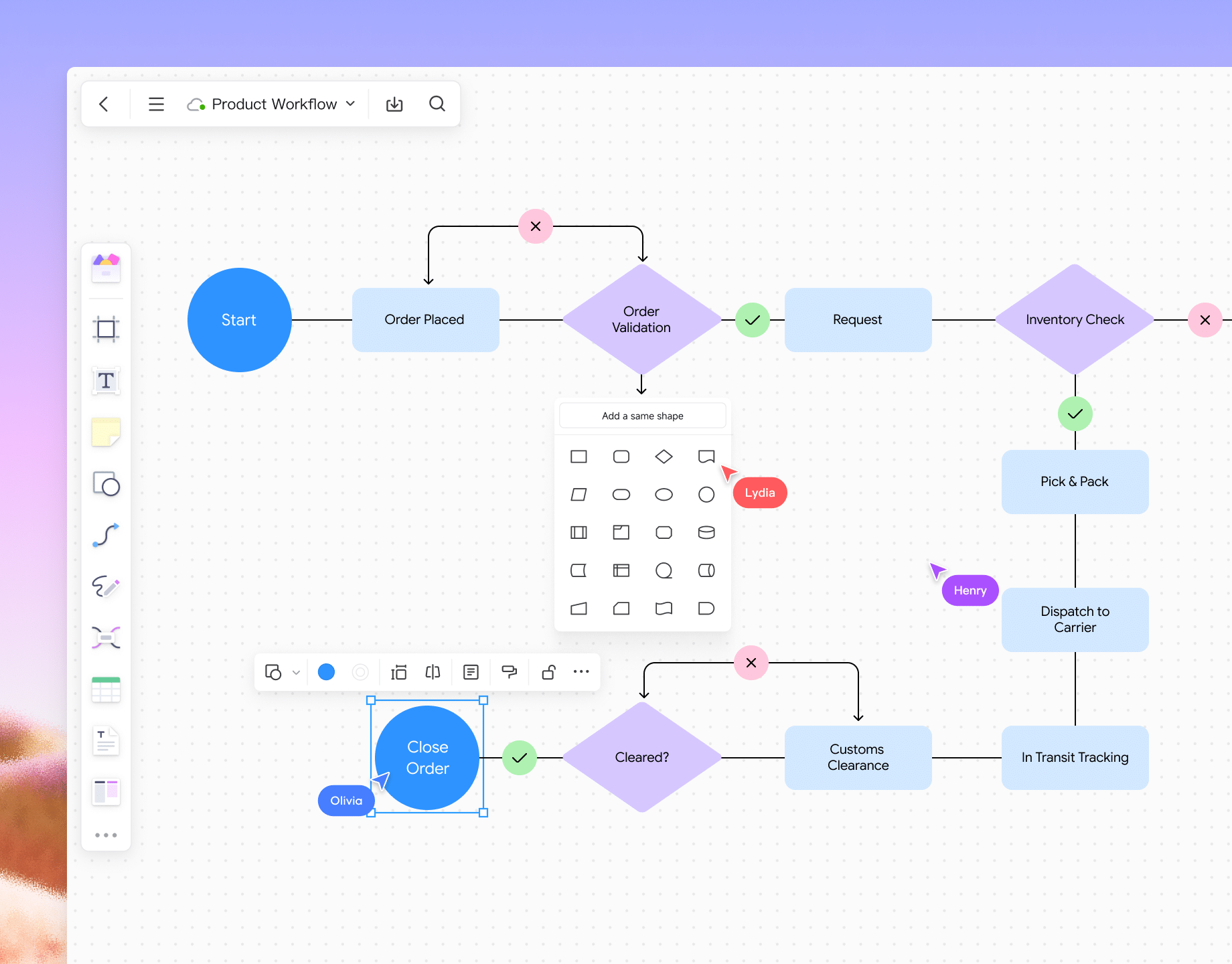
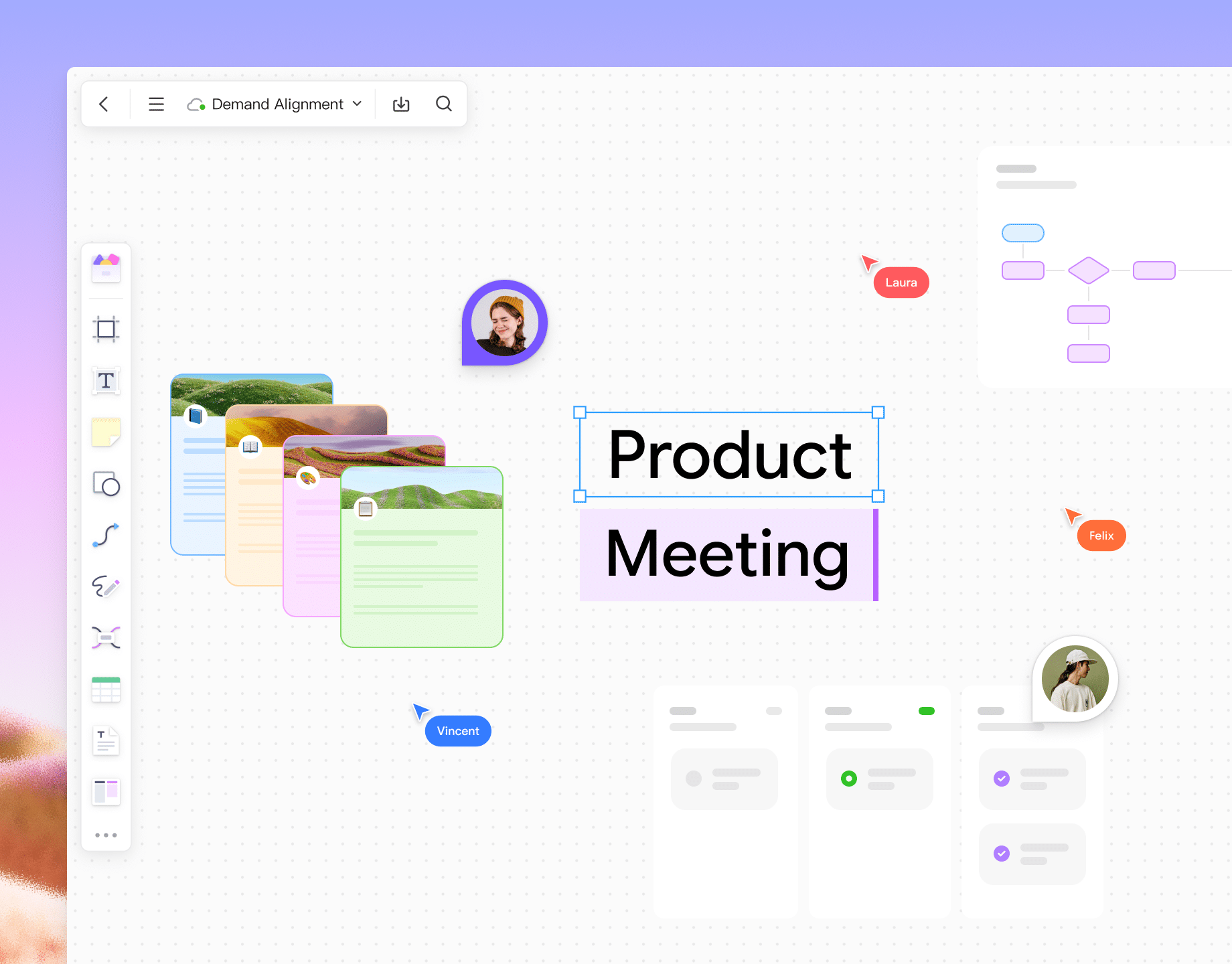
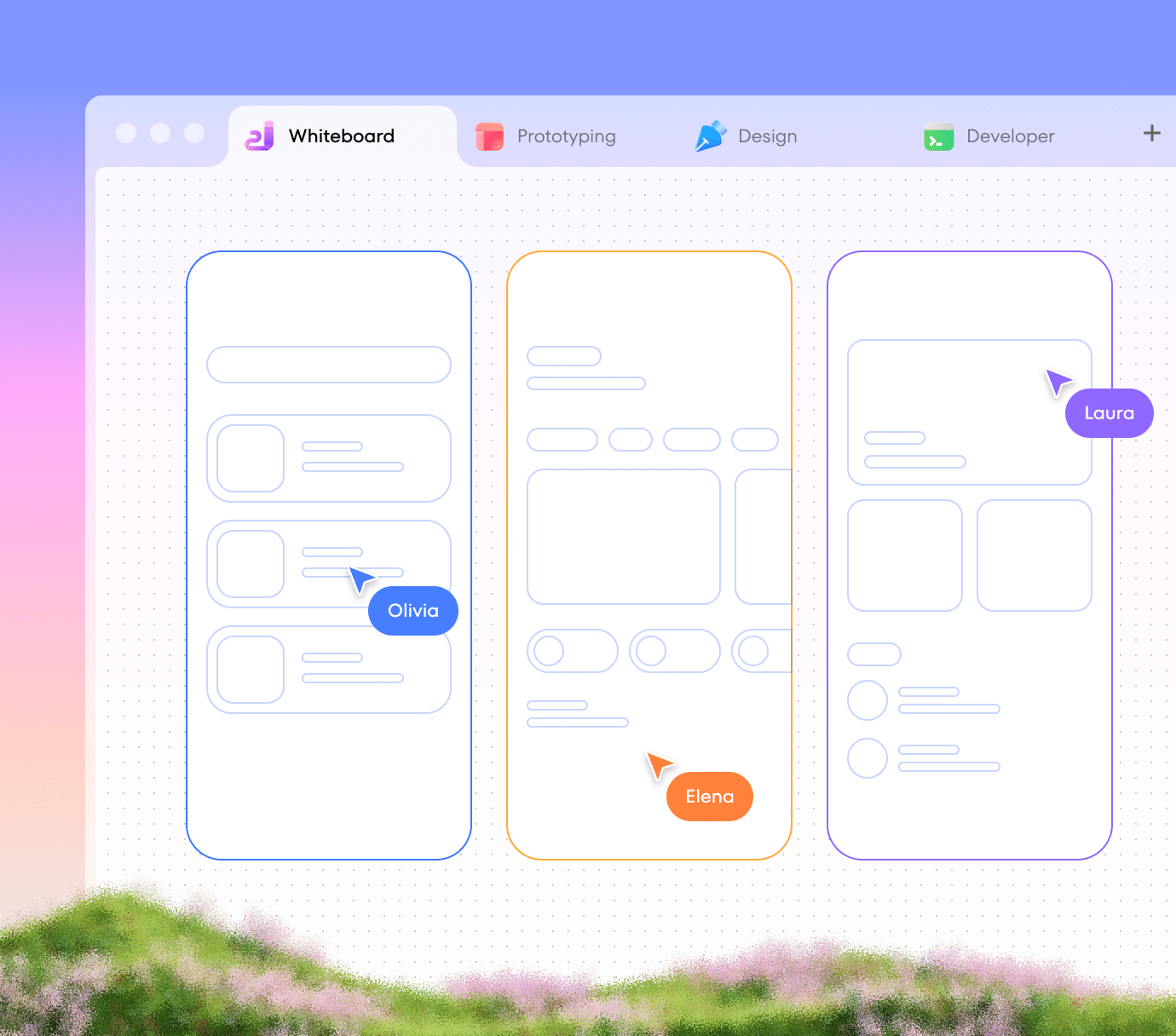
Explore ideas
with your team
Explore Pixso
whiteboard
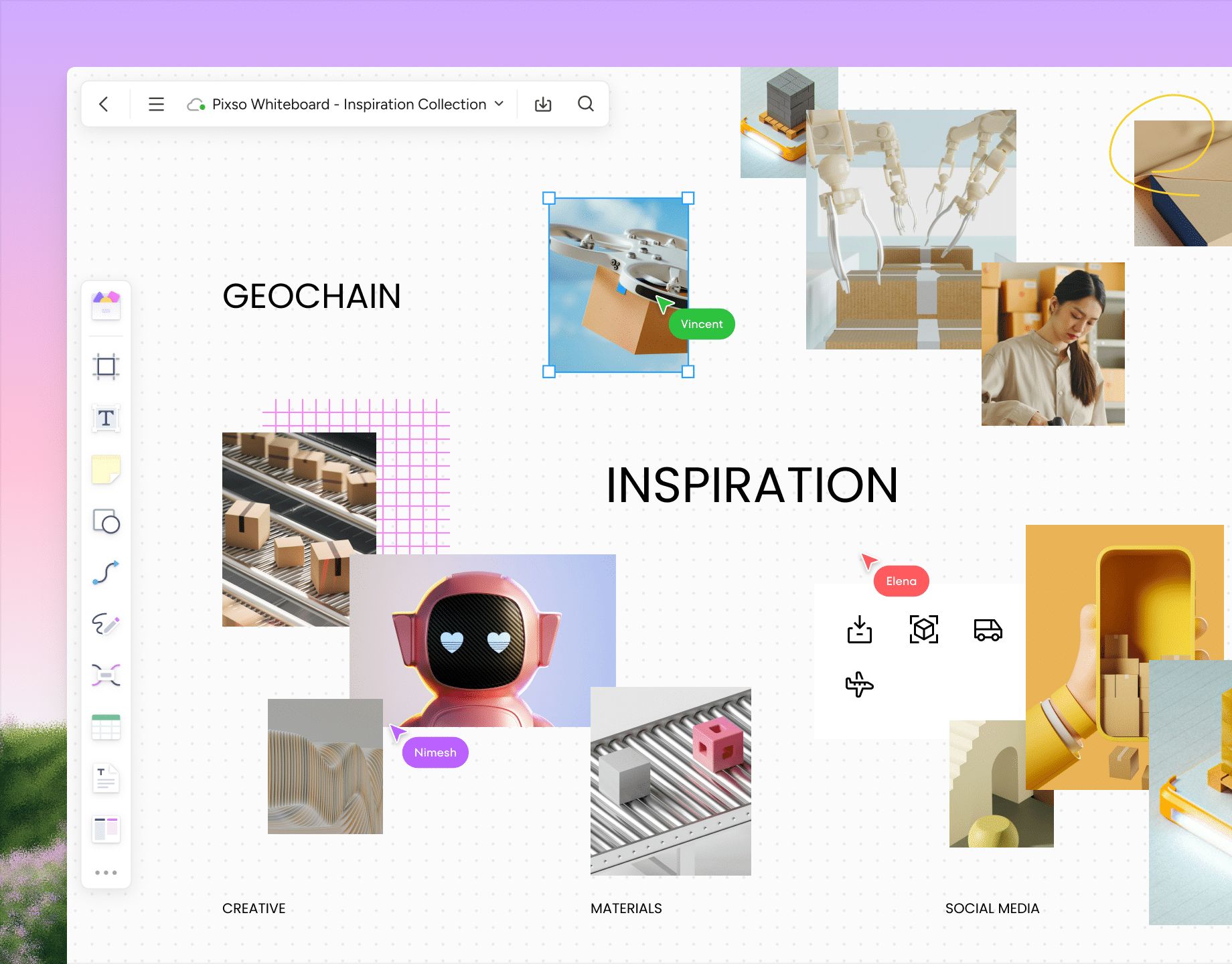
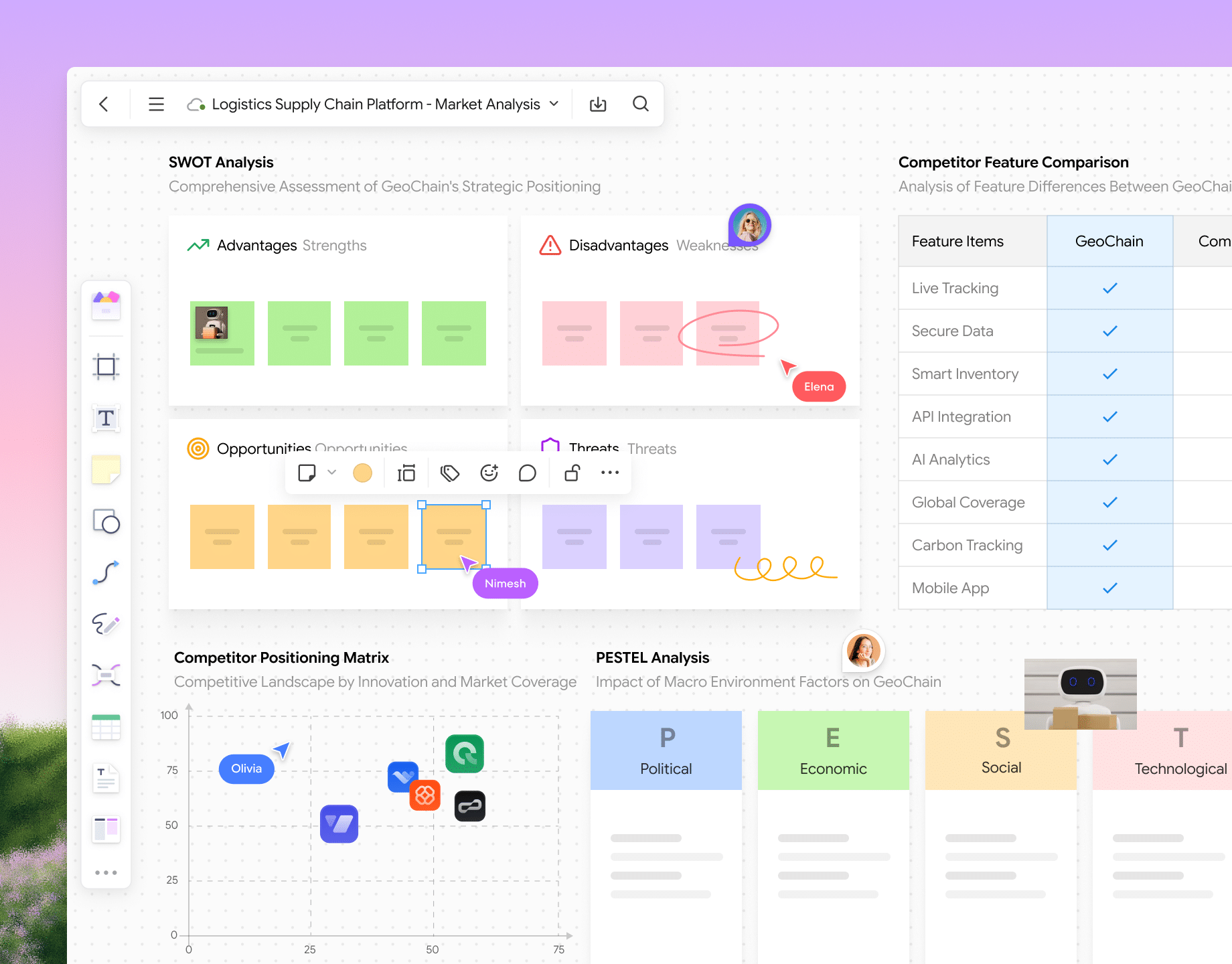
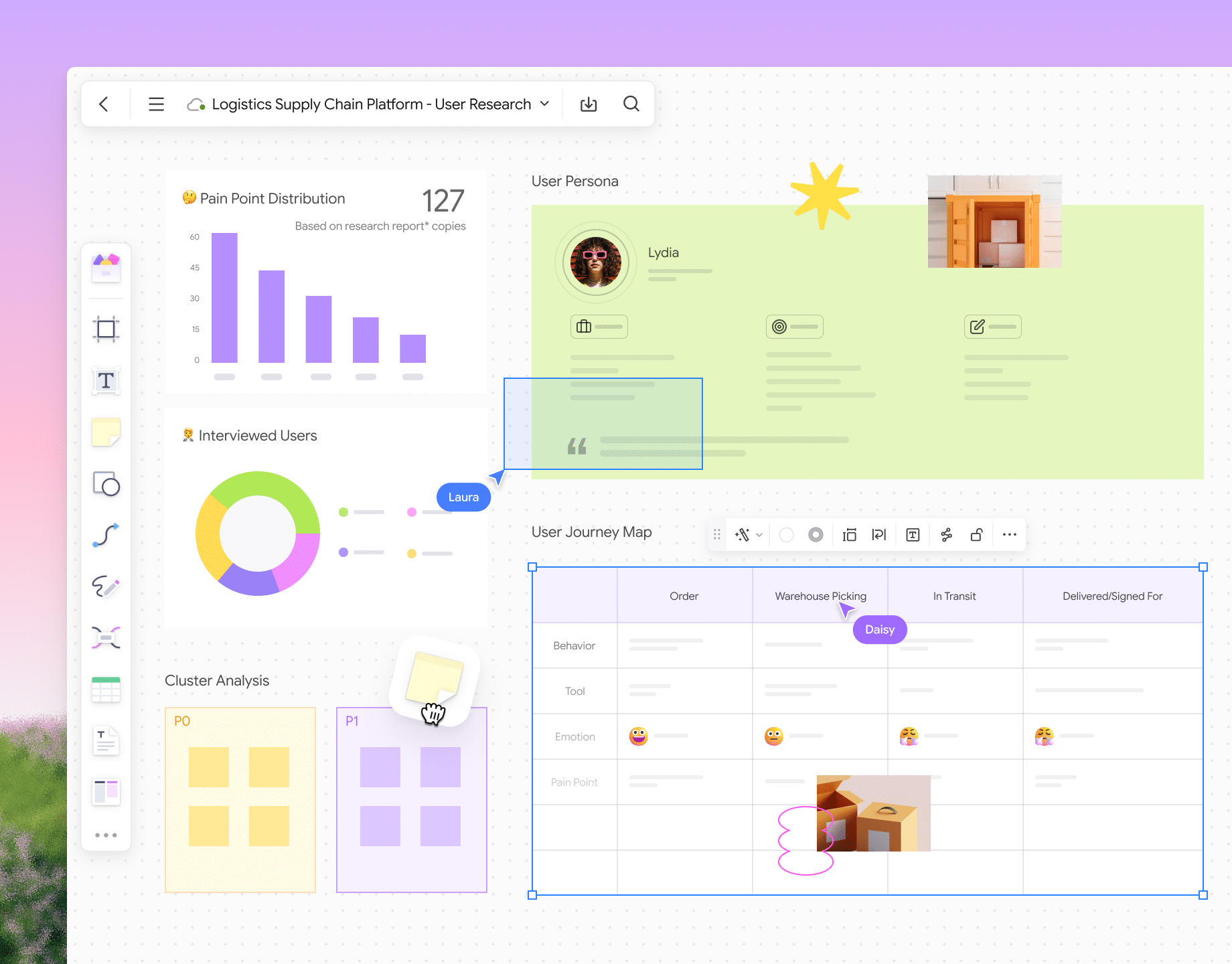
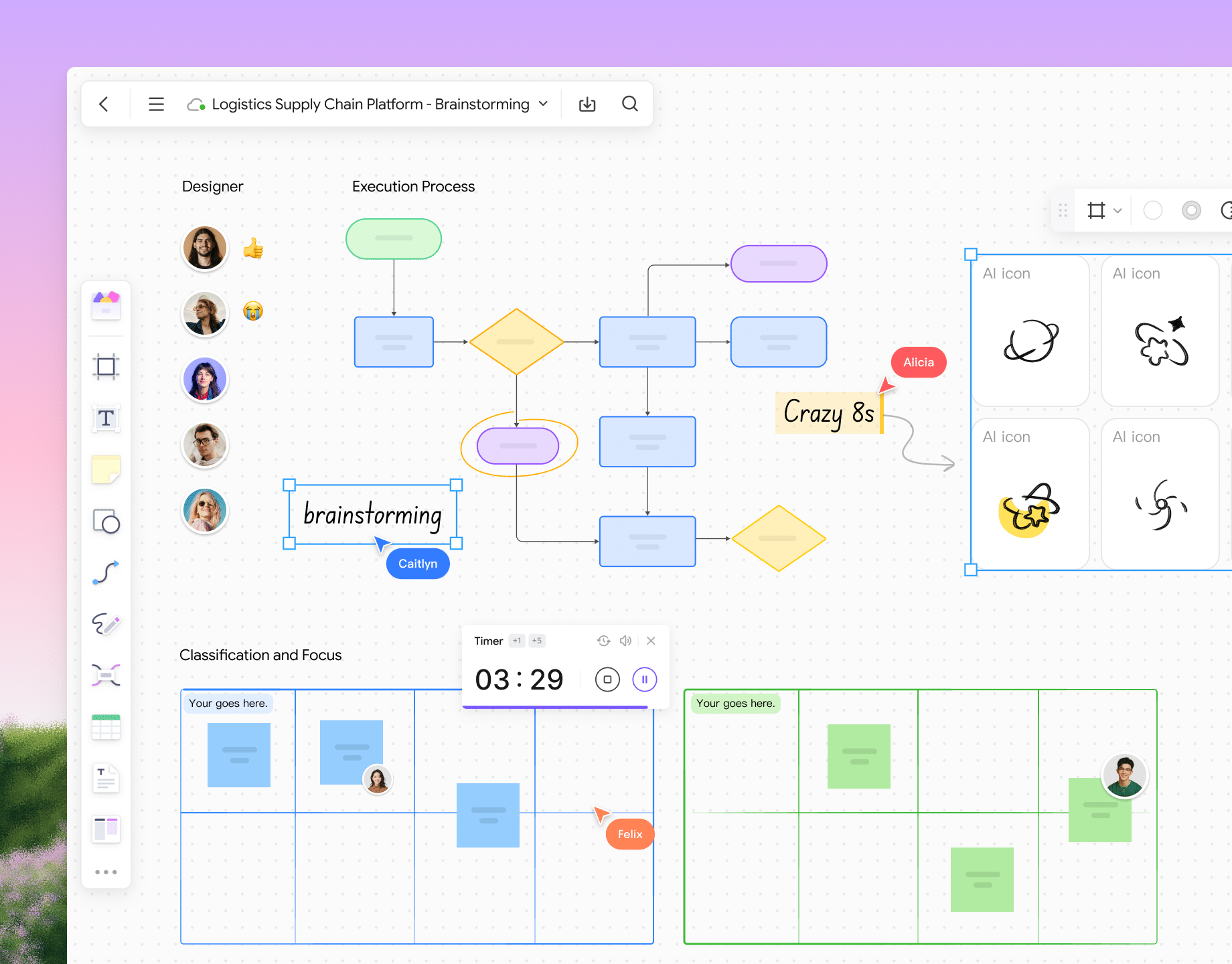
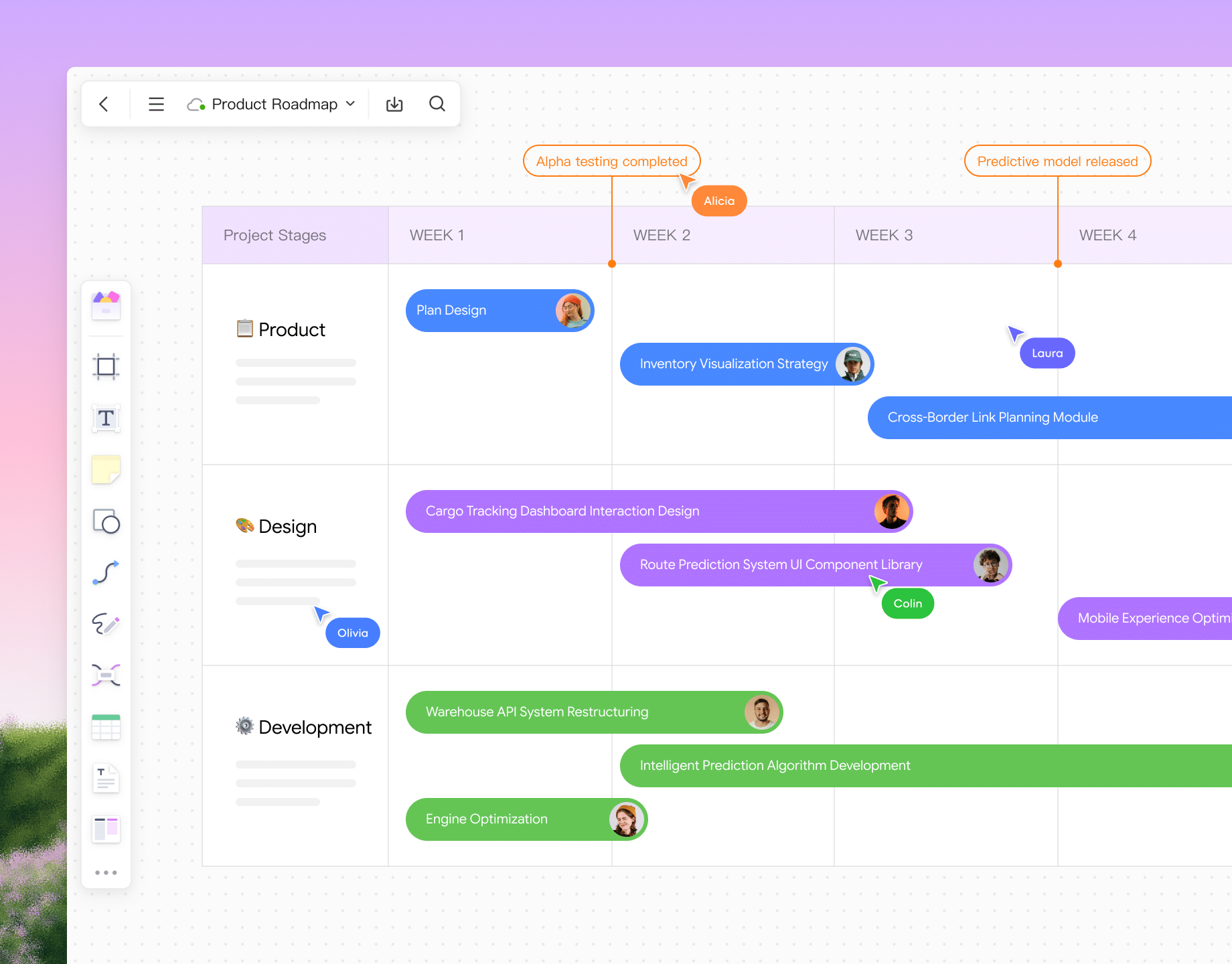
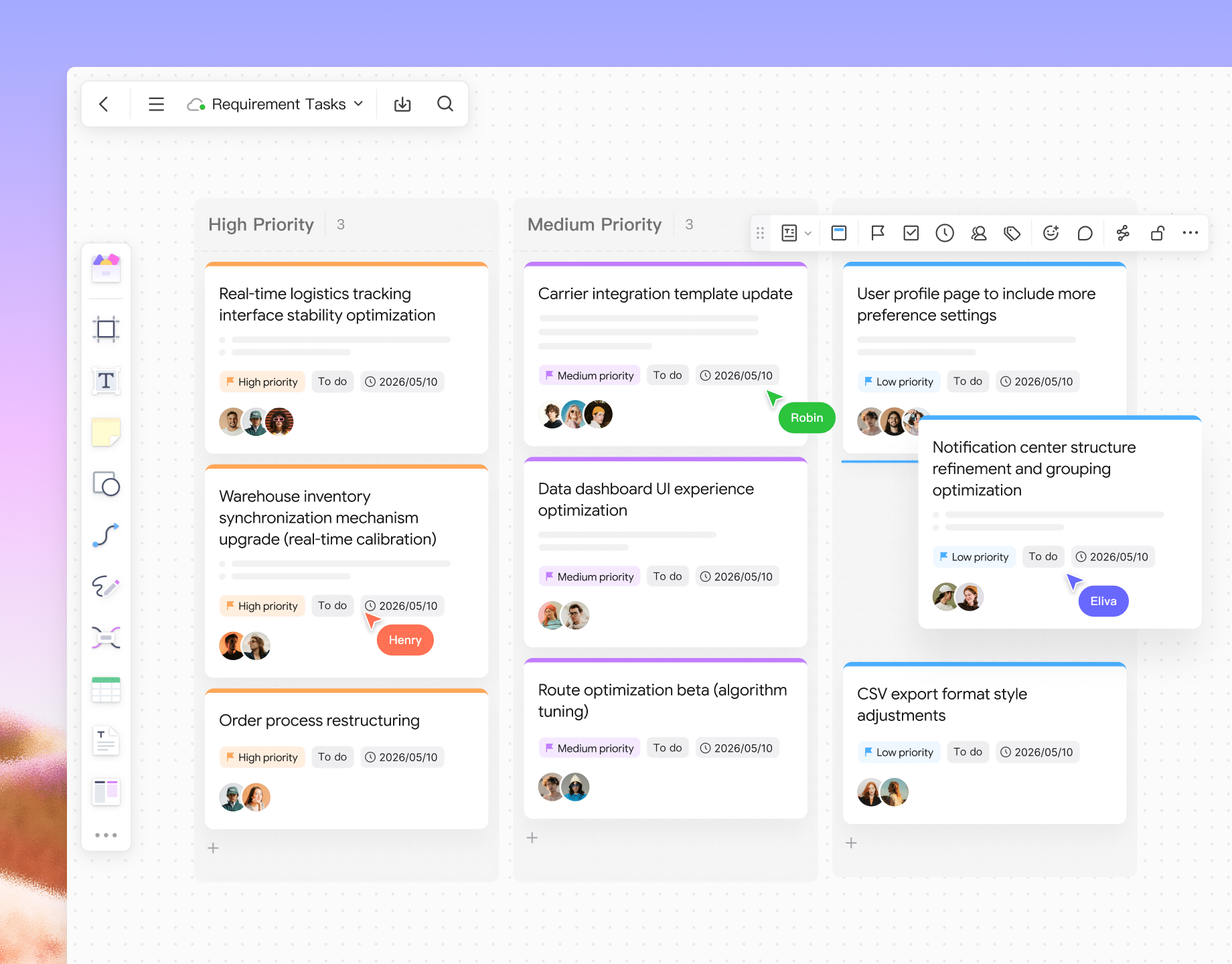
Turn requirements
into shared plans
Explore Pixso
whiteboard
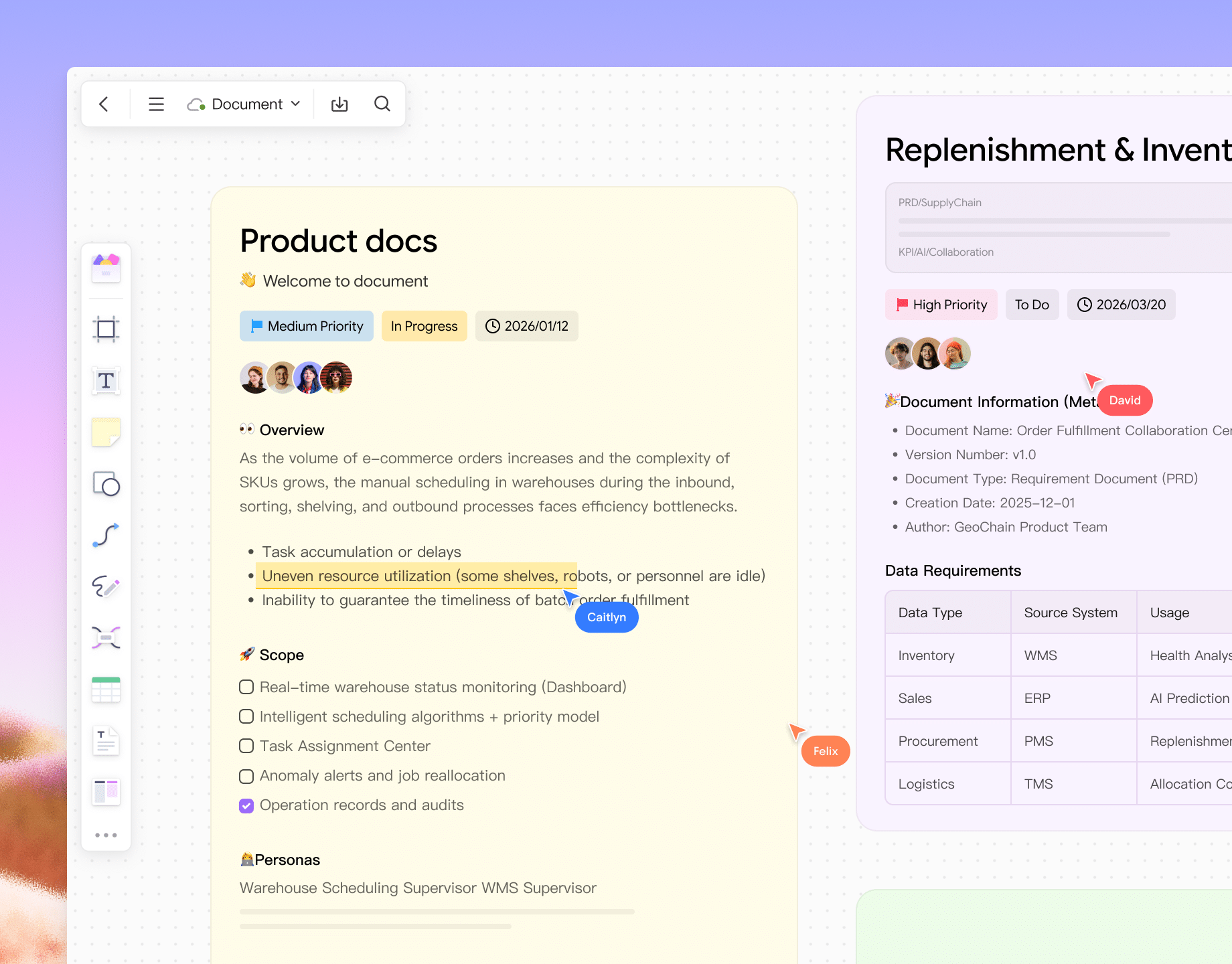
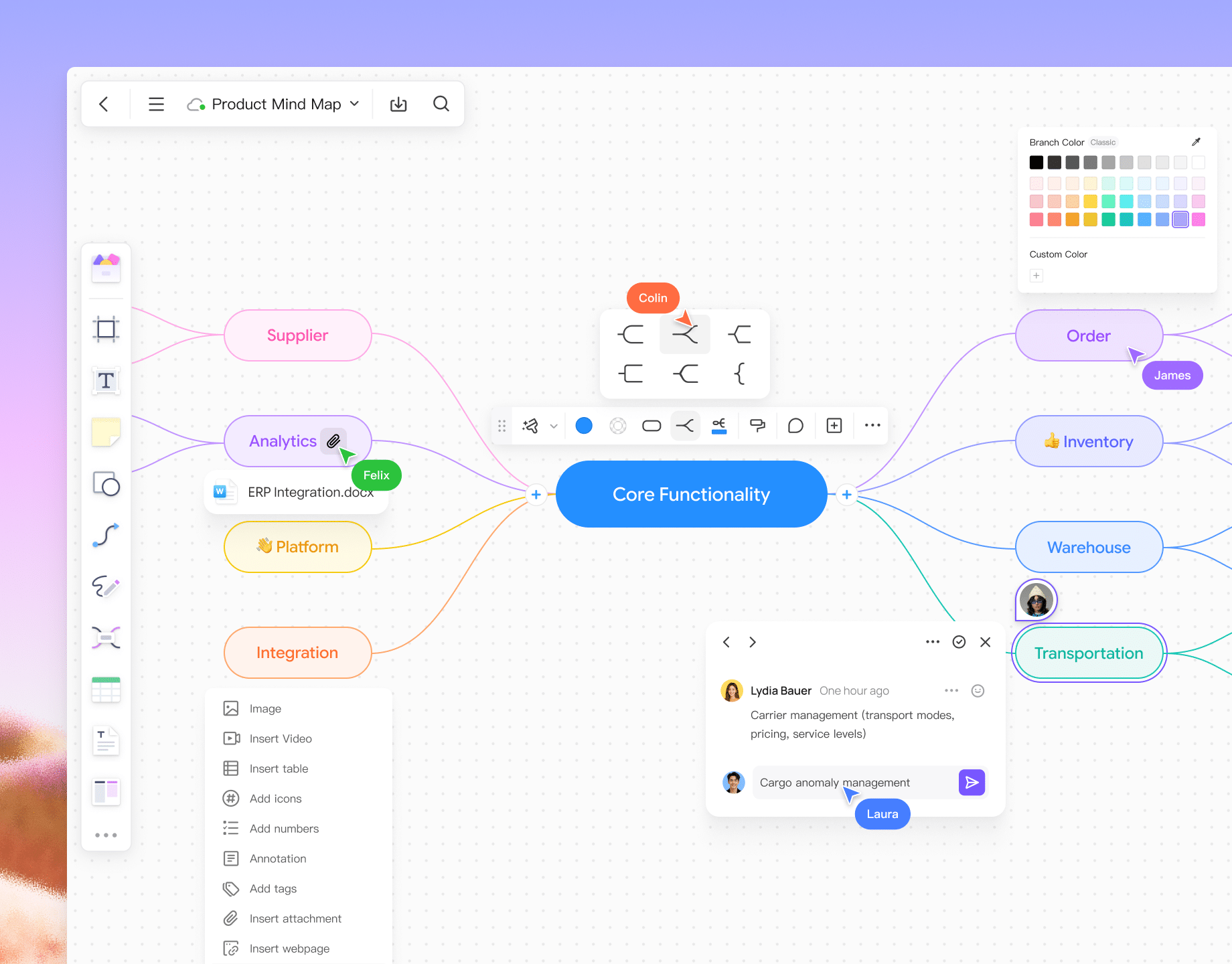
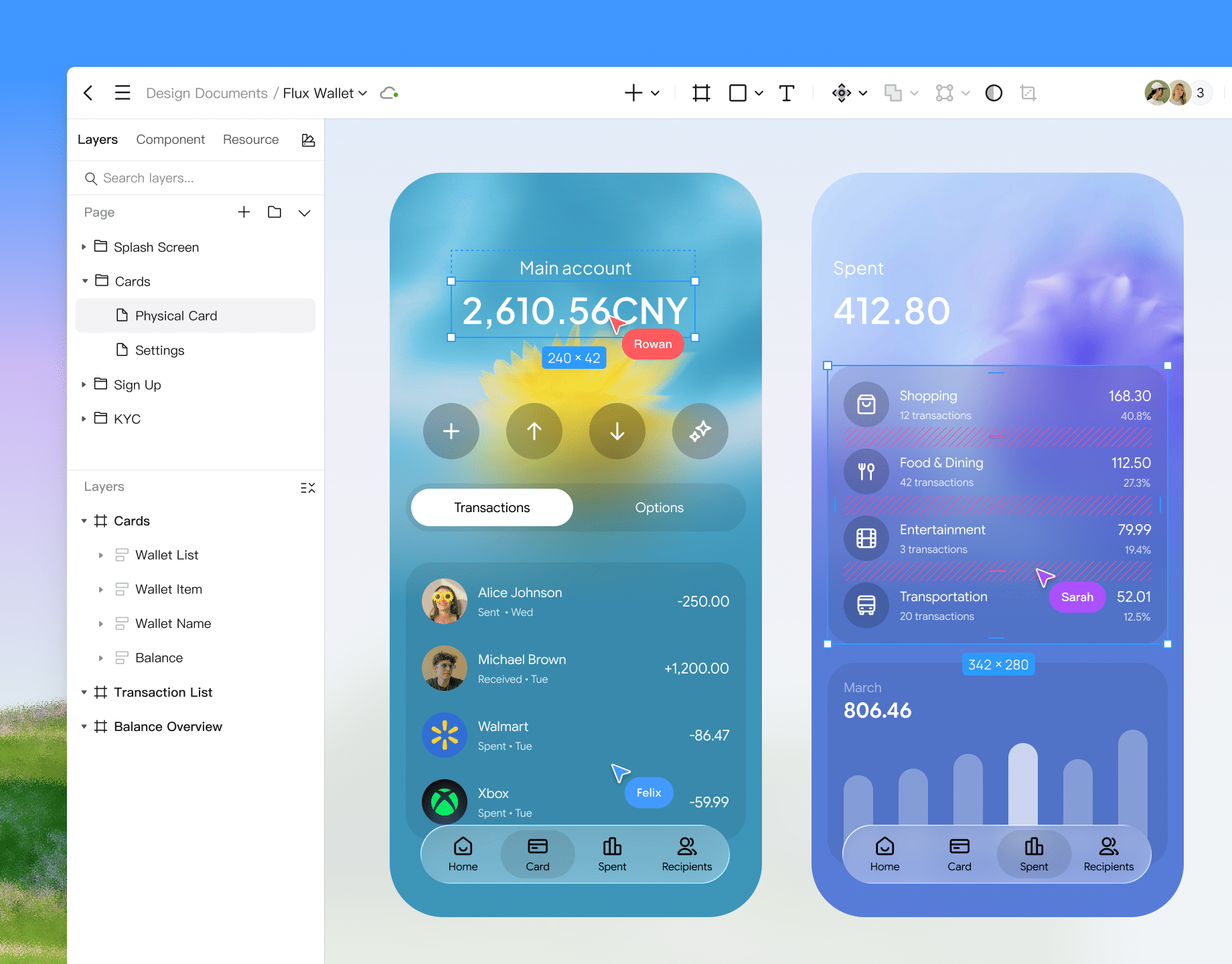
Design app and
web interfaces
Explore Pixso UI design
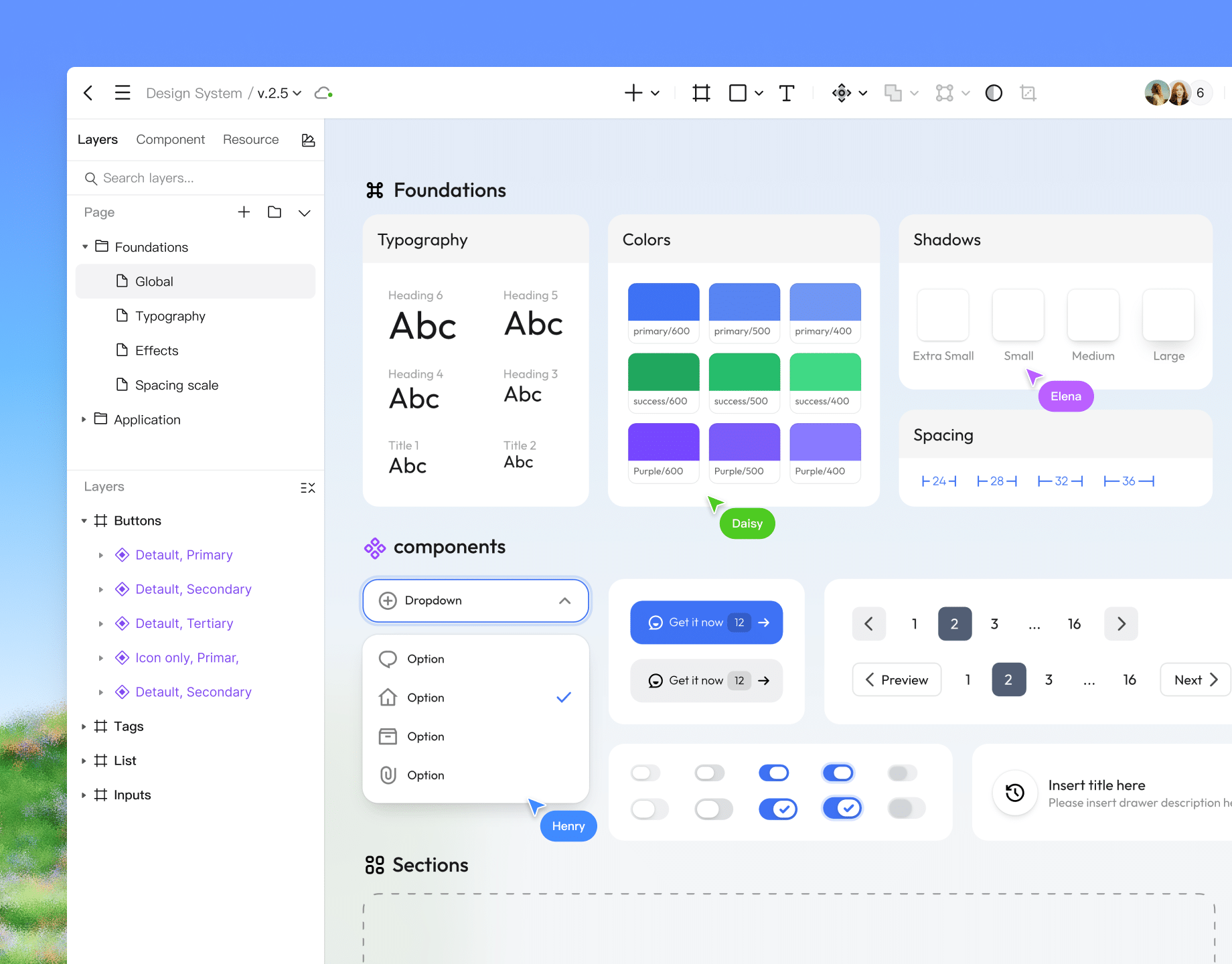
Build a reusable
design system
Explore Pixso design systems
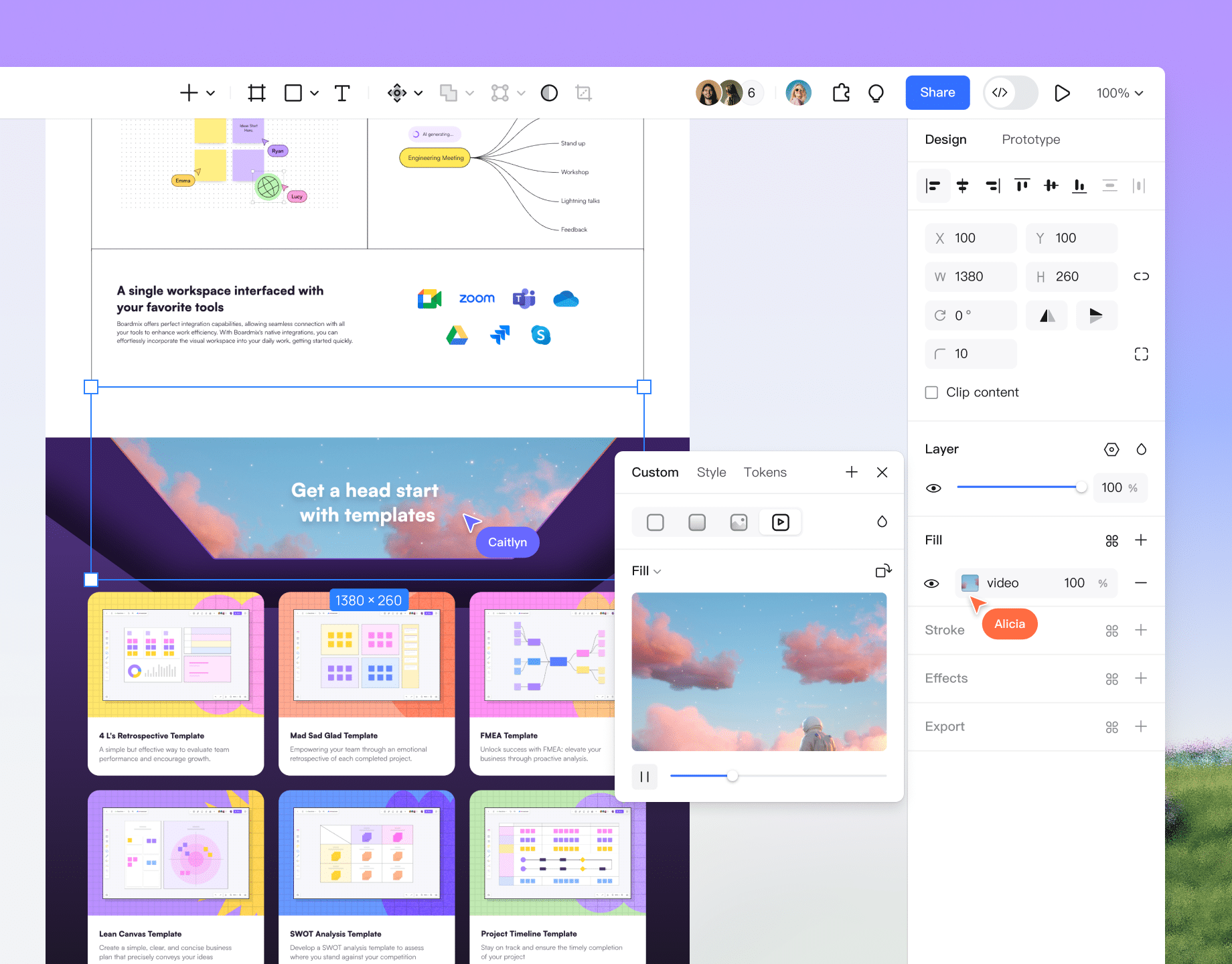
Build interactive
prototypes
Explore interactive
prototypes
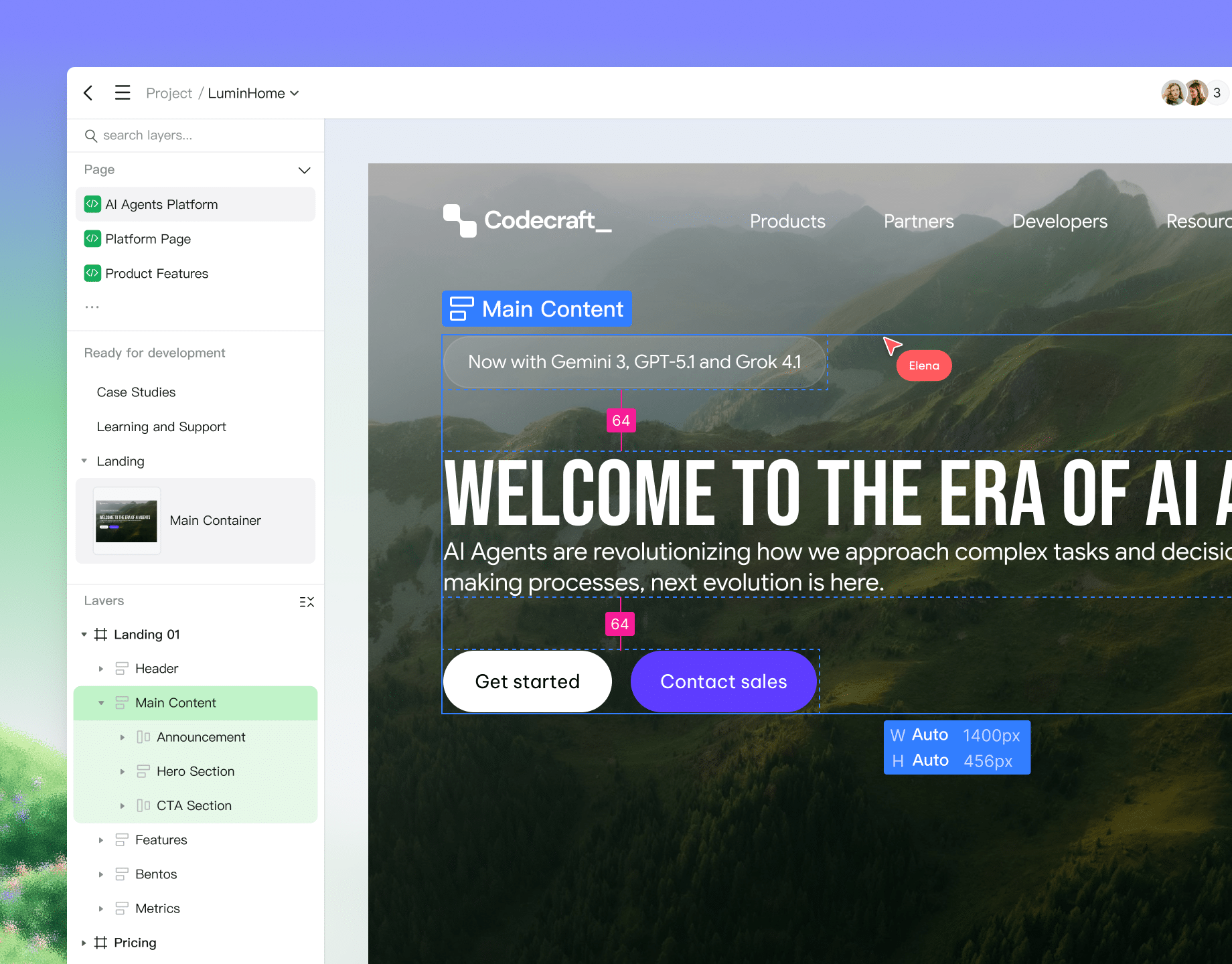
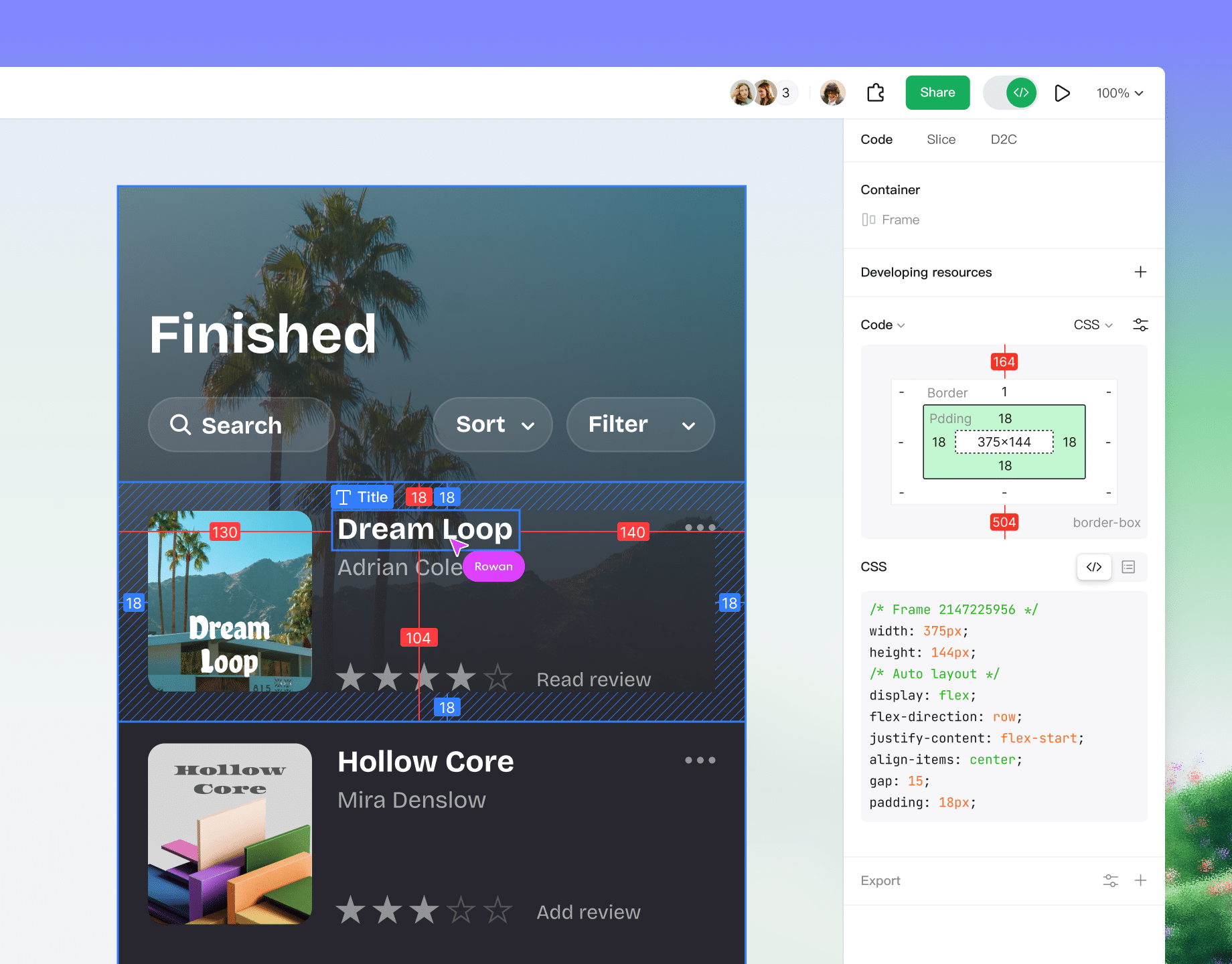
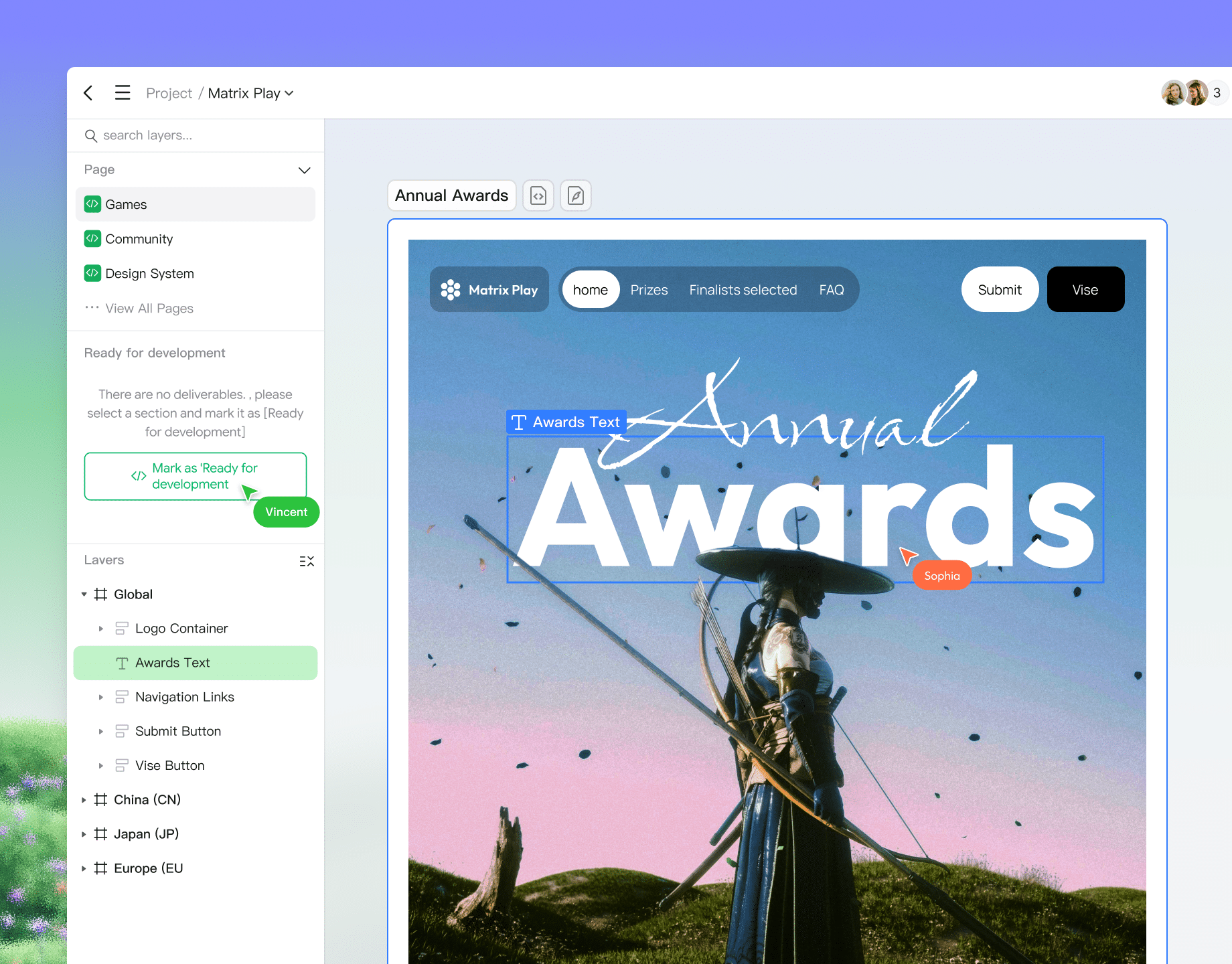
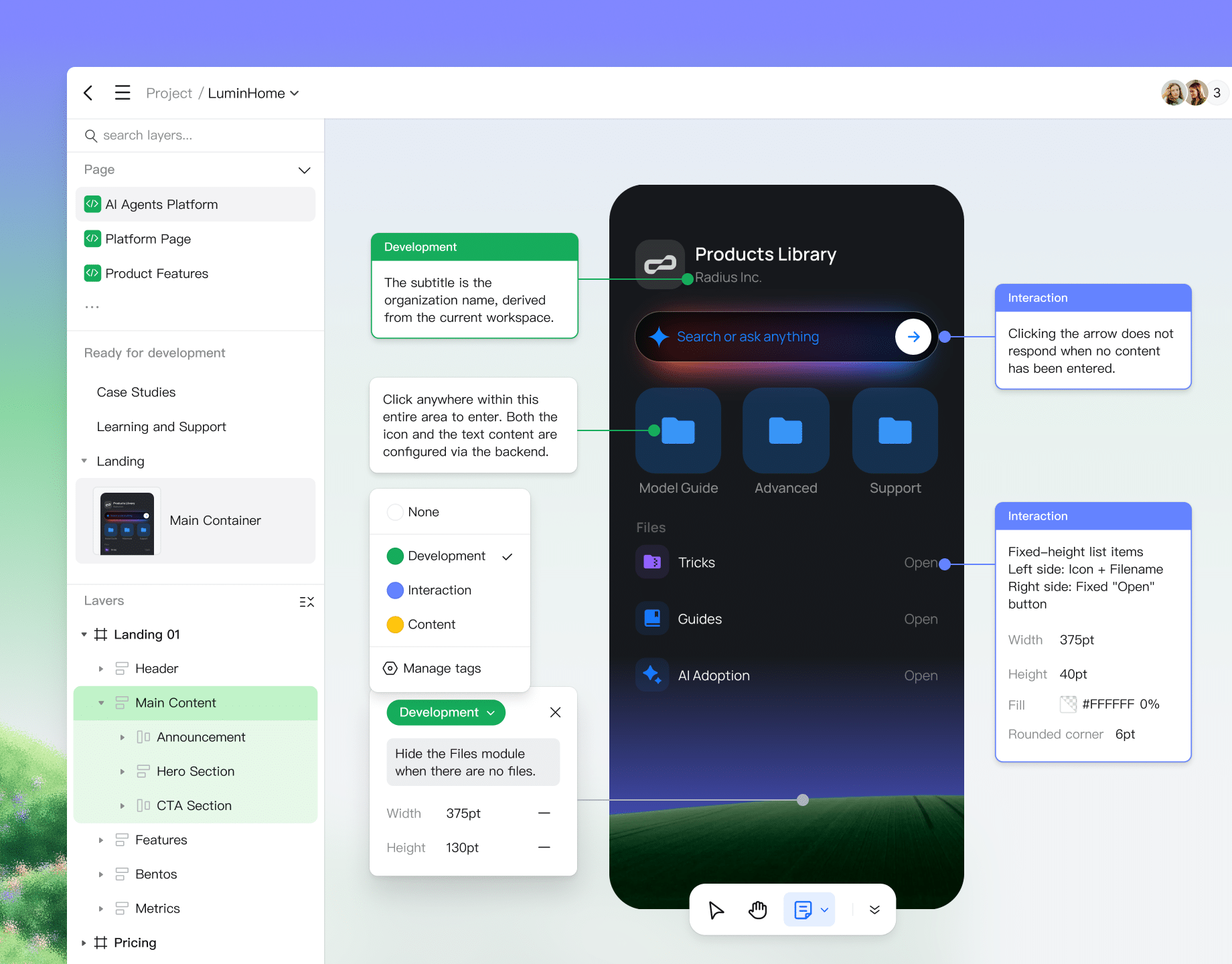
Share design details
with developers
Explore specs and handoff
Manage files and
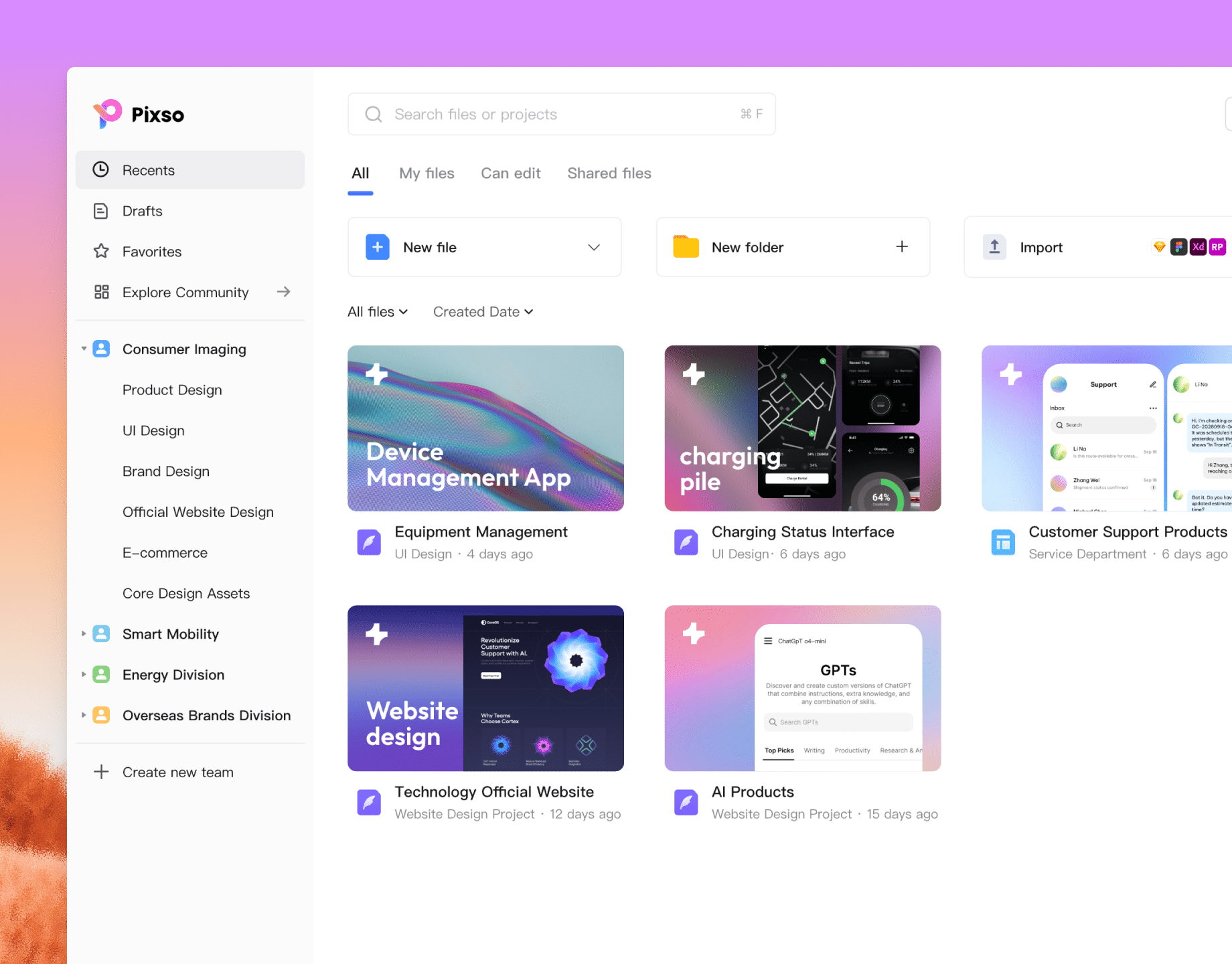
enterprise team access
Explore Pixso Enterprise
Refine every
interface detail
Refine layouts, reuse components, and keep feedback beside your designs as your interface takes shape.
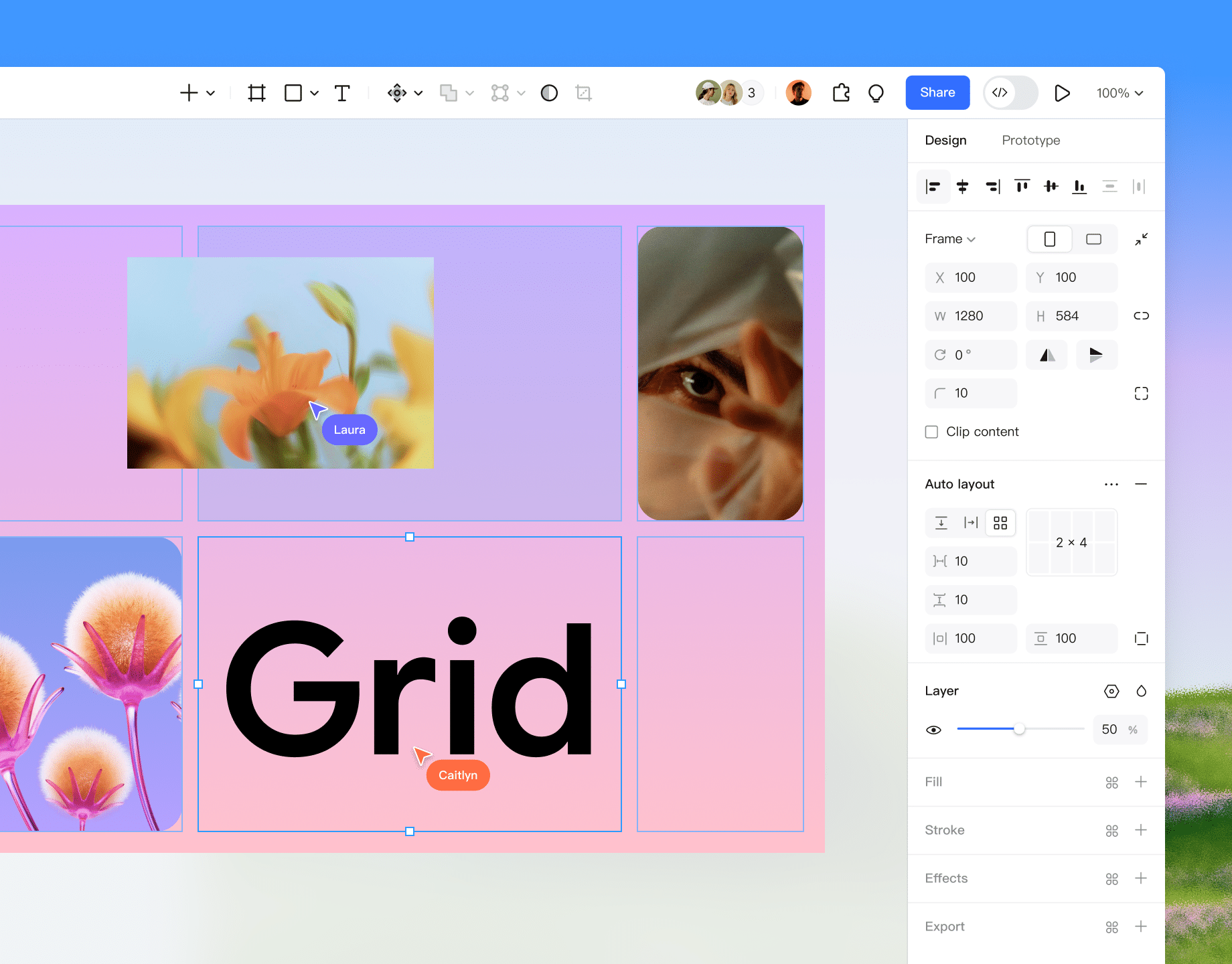
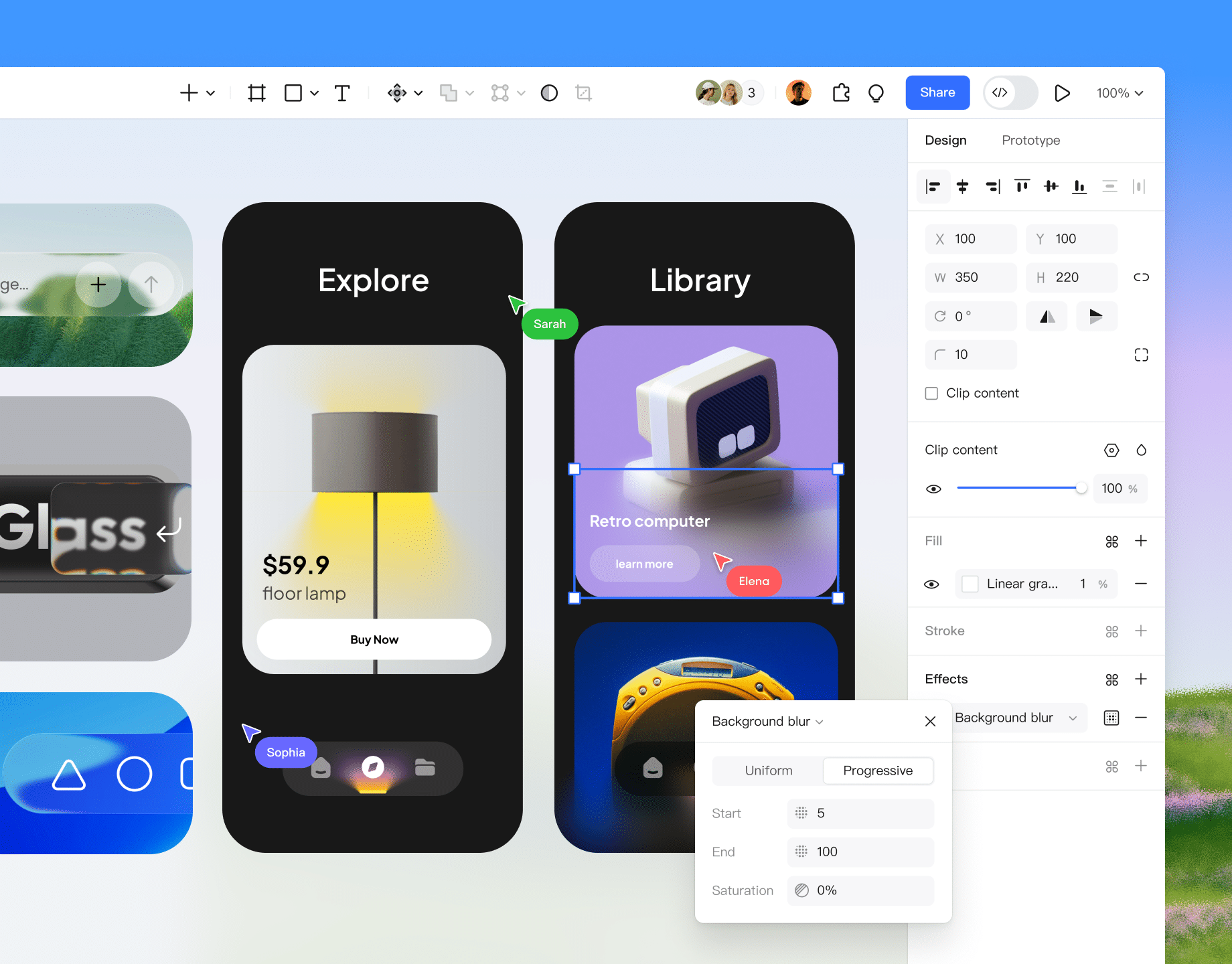
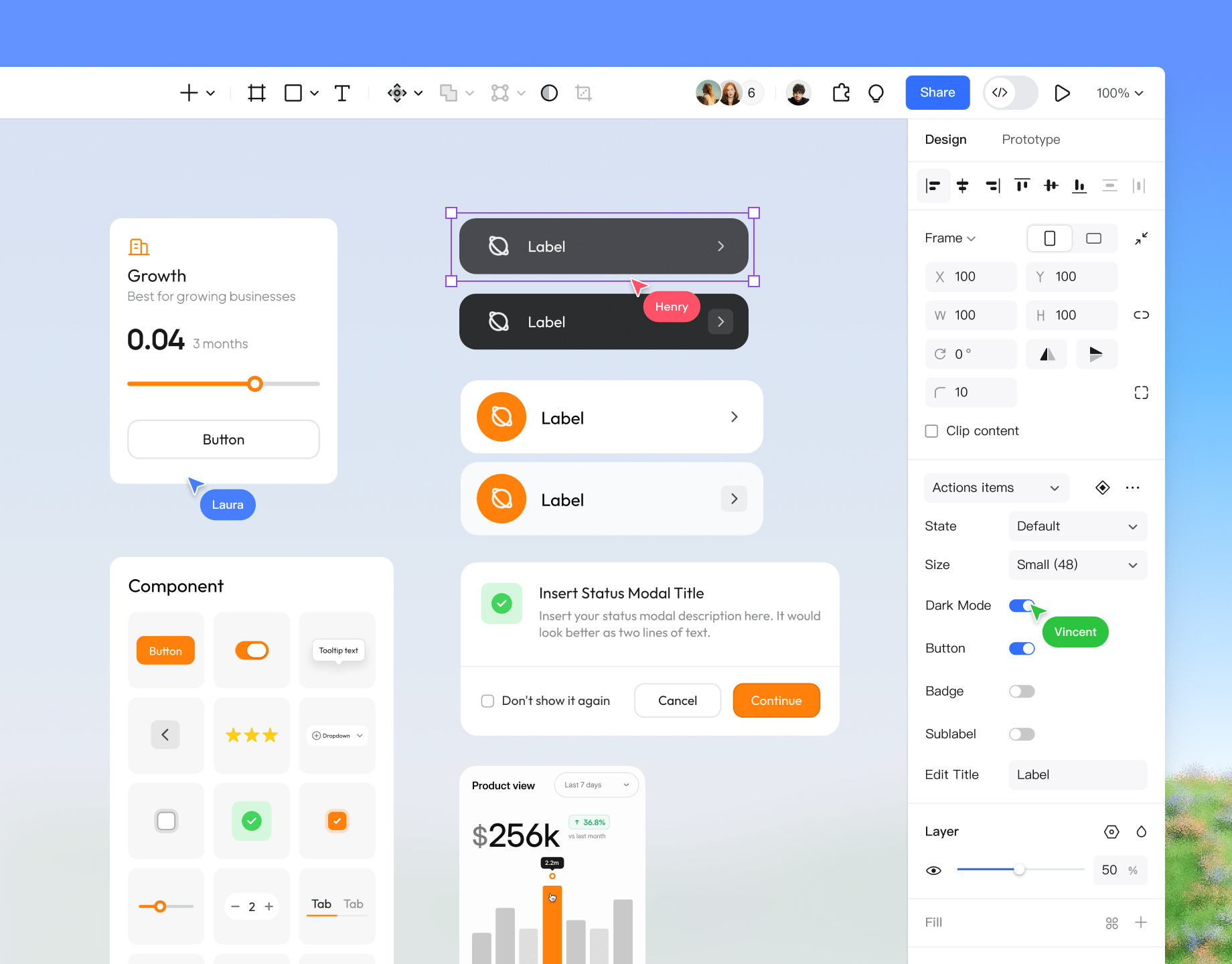
Get startedUse the visual editor to adjust layouts and reusable components. Share design specs and code references for developer review.
Explore Pixso UI design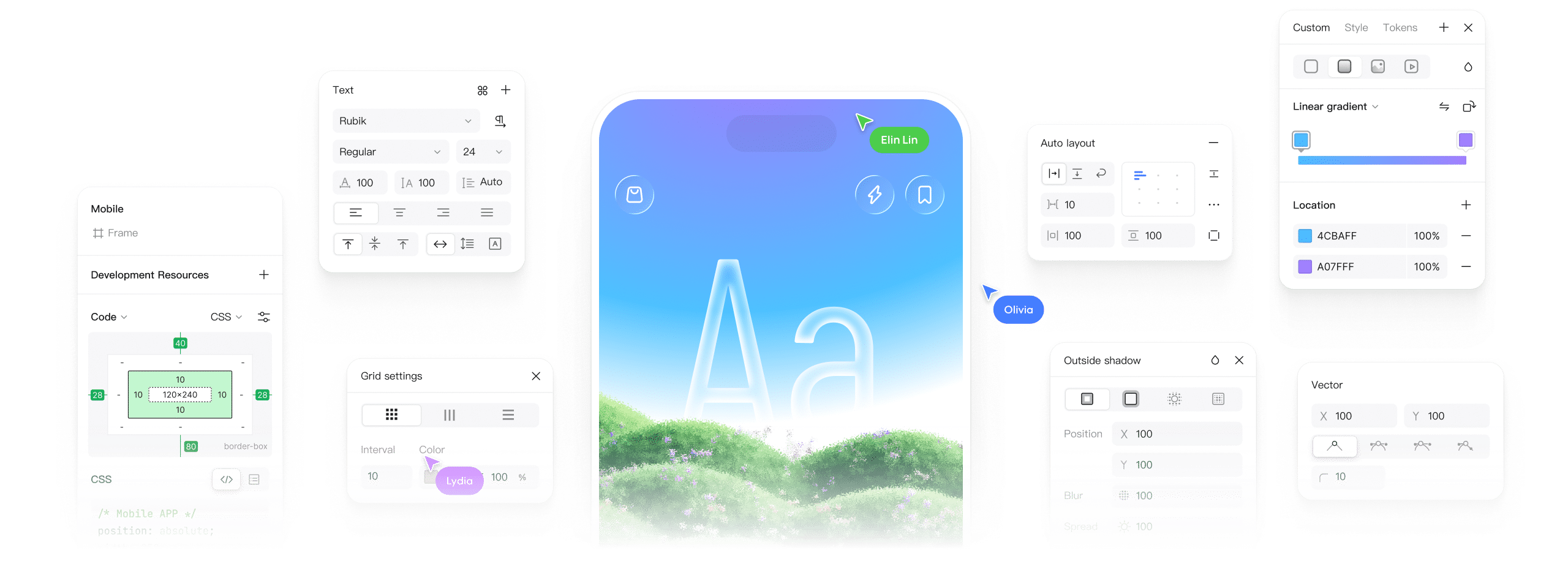
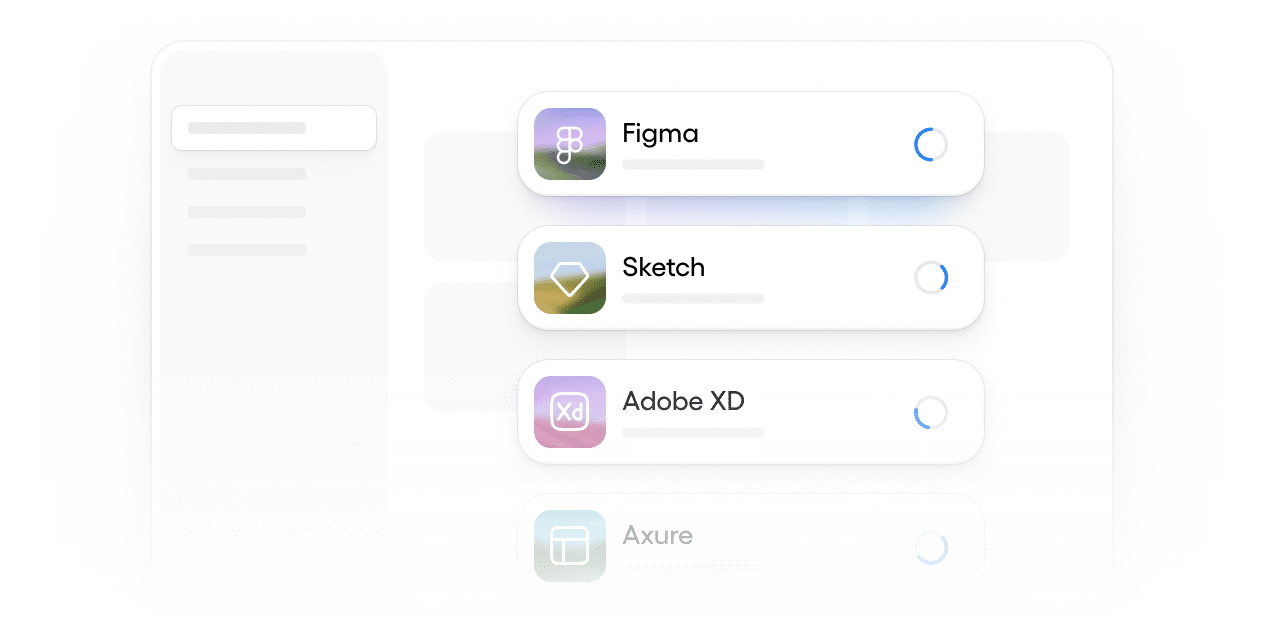
Bring supported Figma, Axure, Sketch, XD, and SVG files into Pixso. Compare Pixso and Figma when planning your switch.
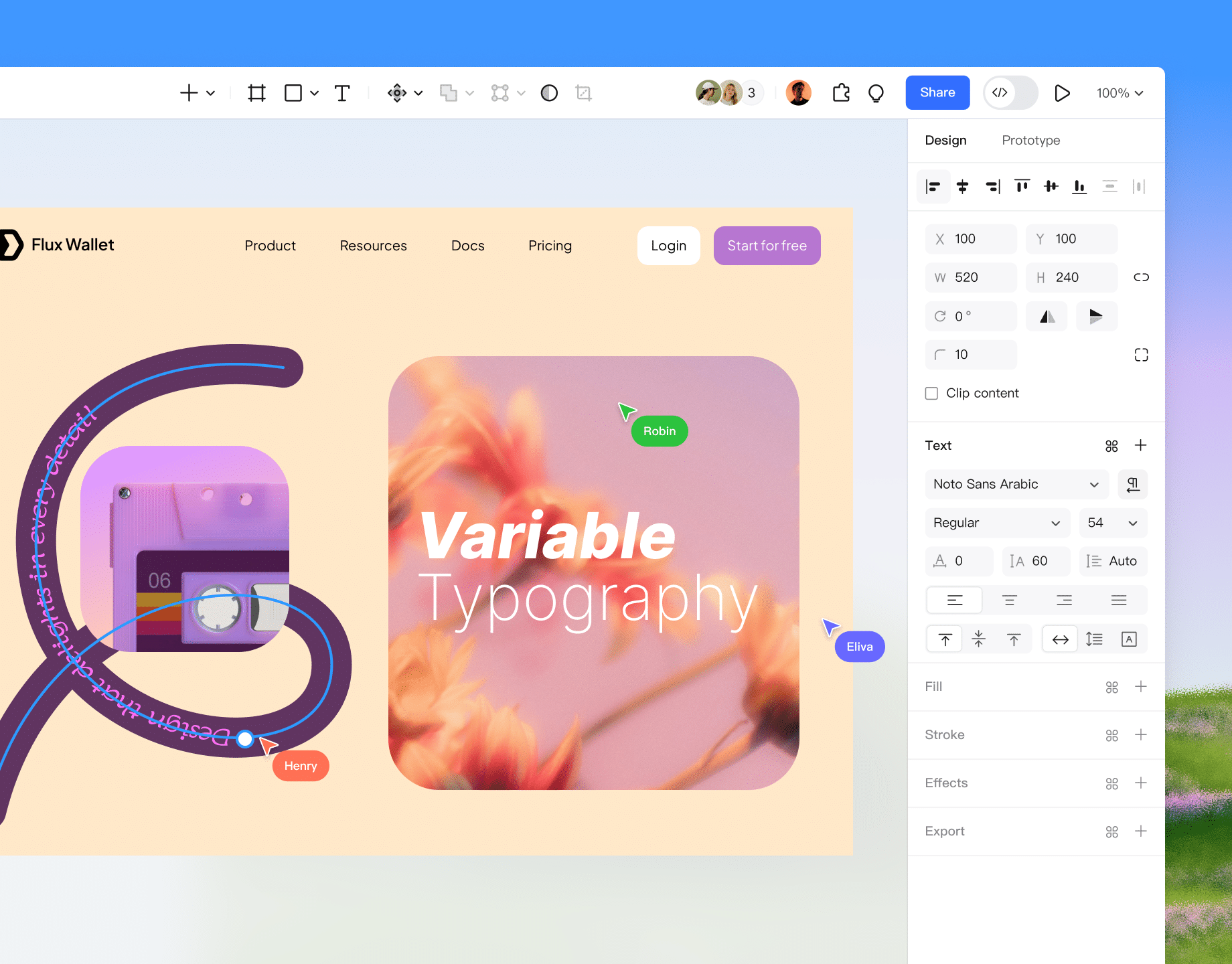
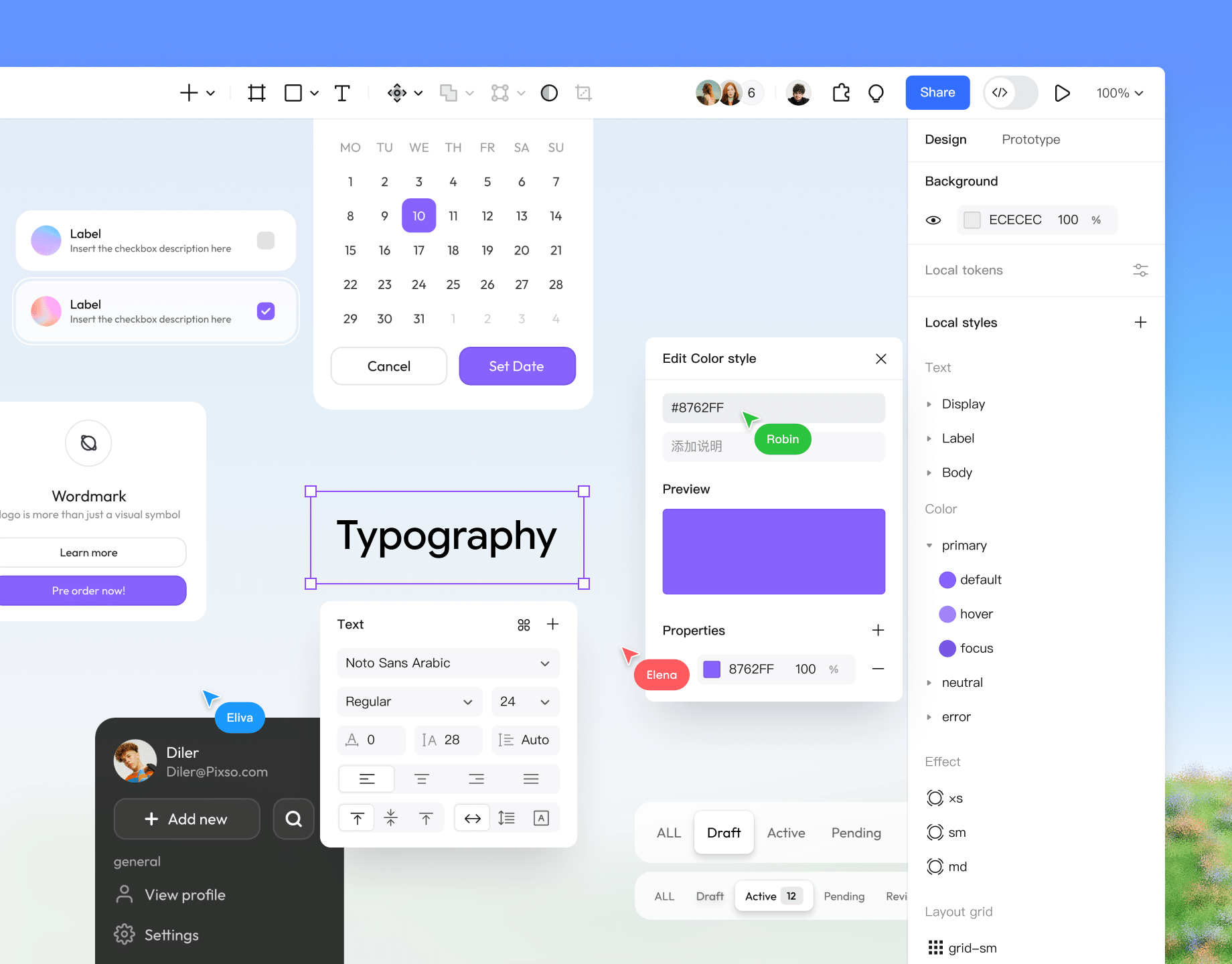
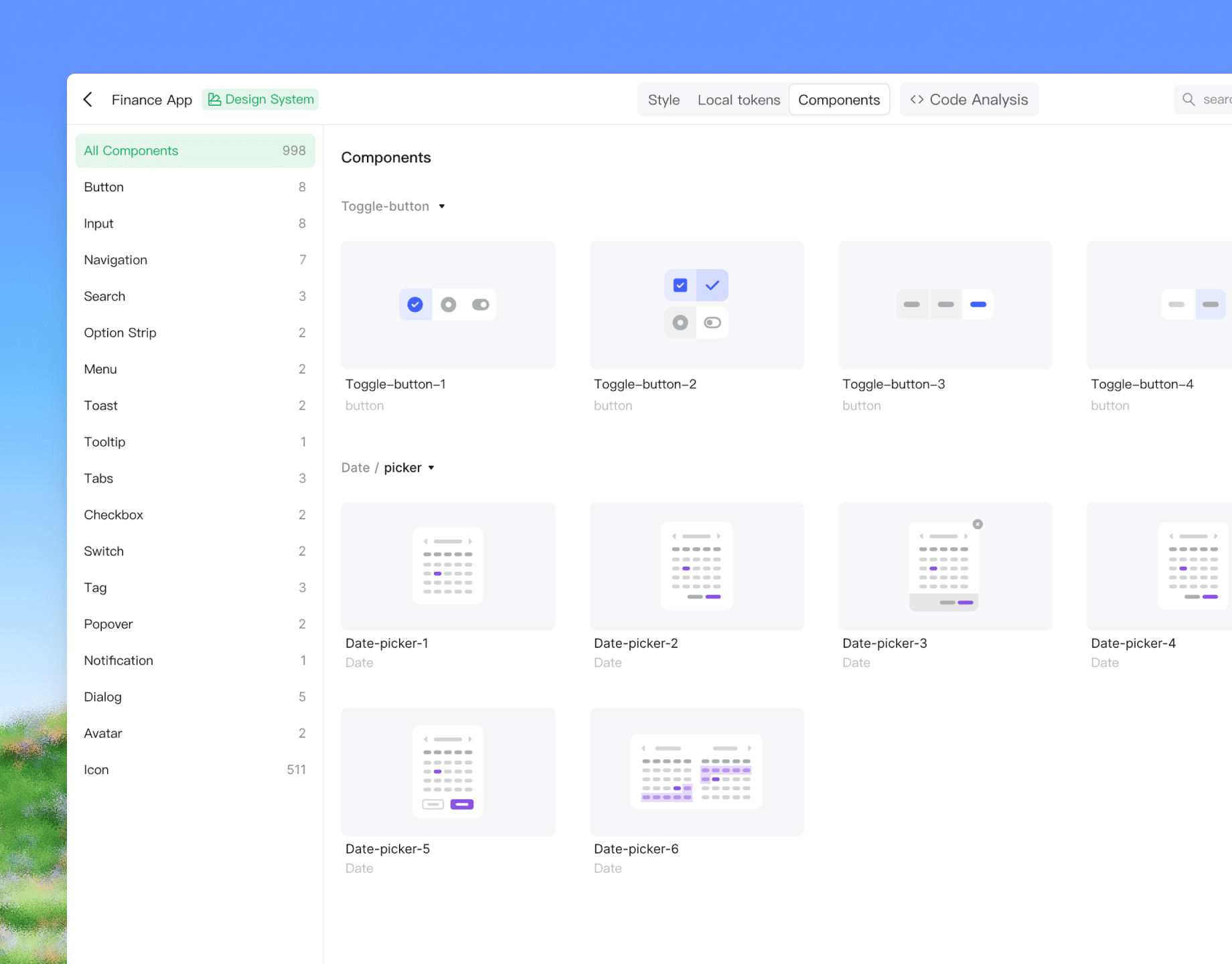
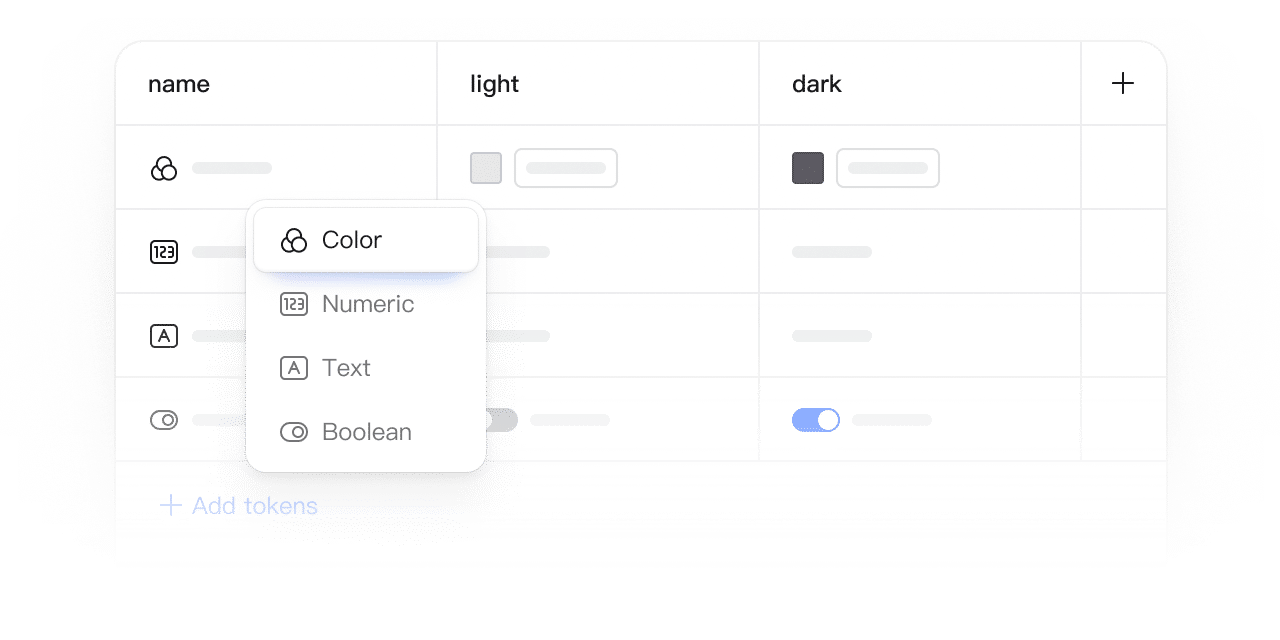
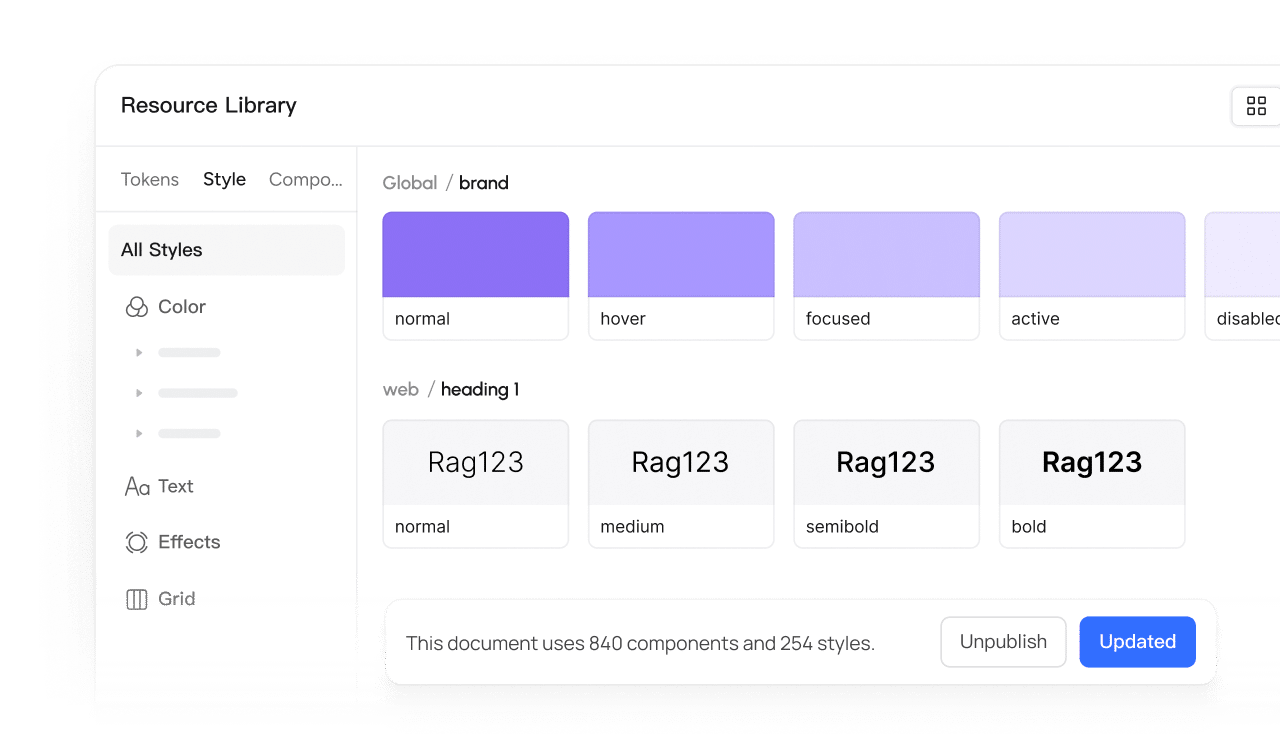
Organize design values with tokens and review theme variations across your screens. Share the agreed values with developers.
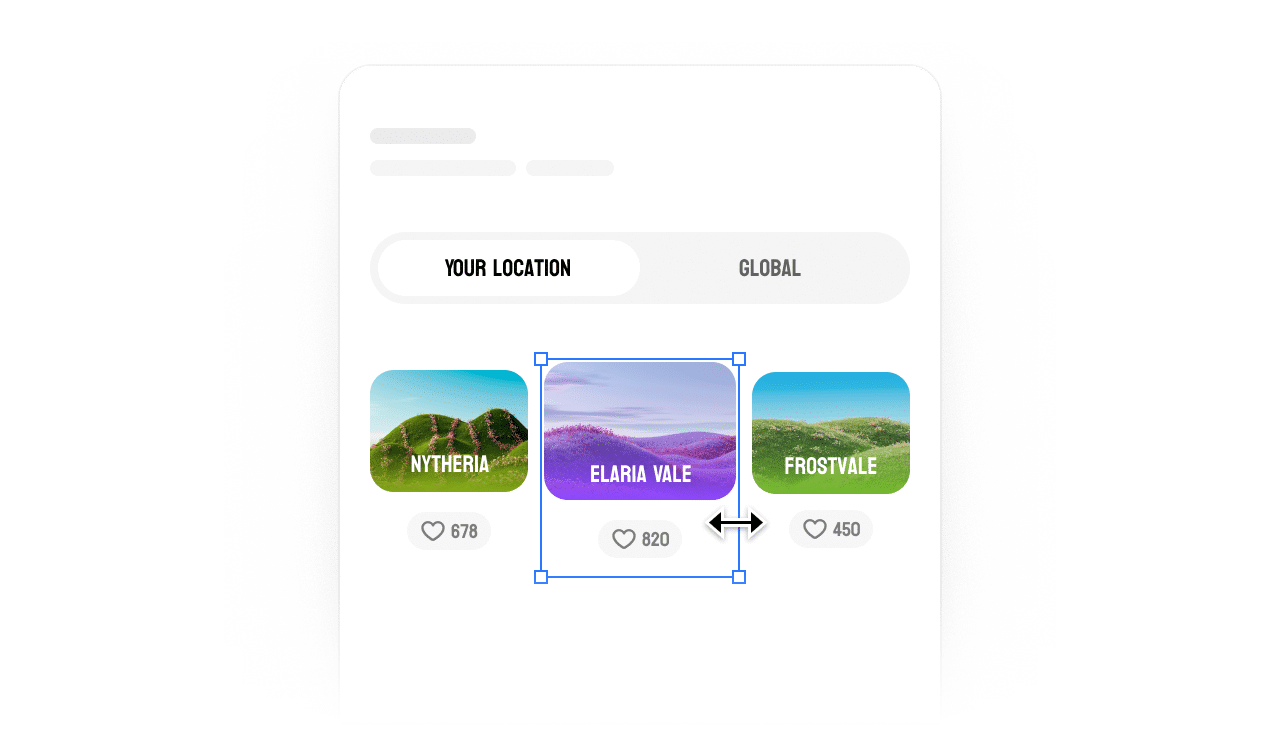
Use auto layout to adapt frames and spacing for responsive website designs.
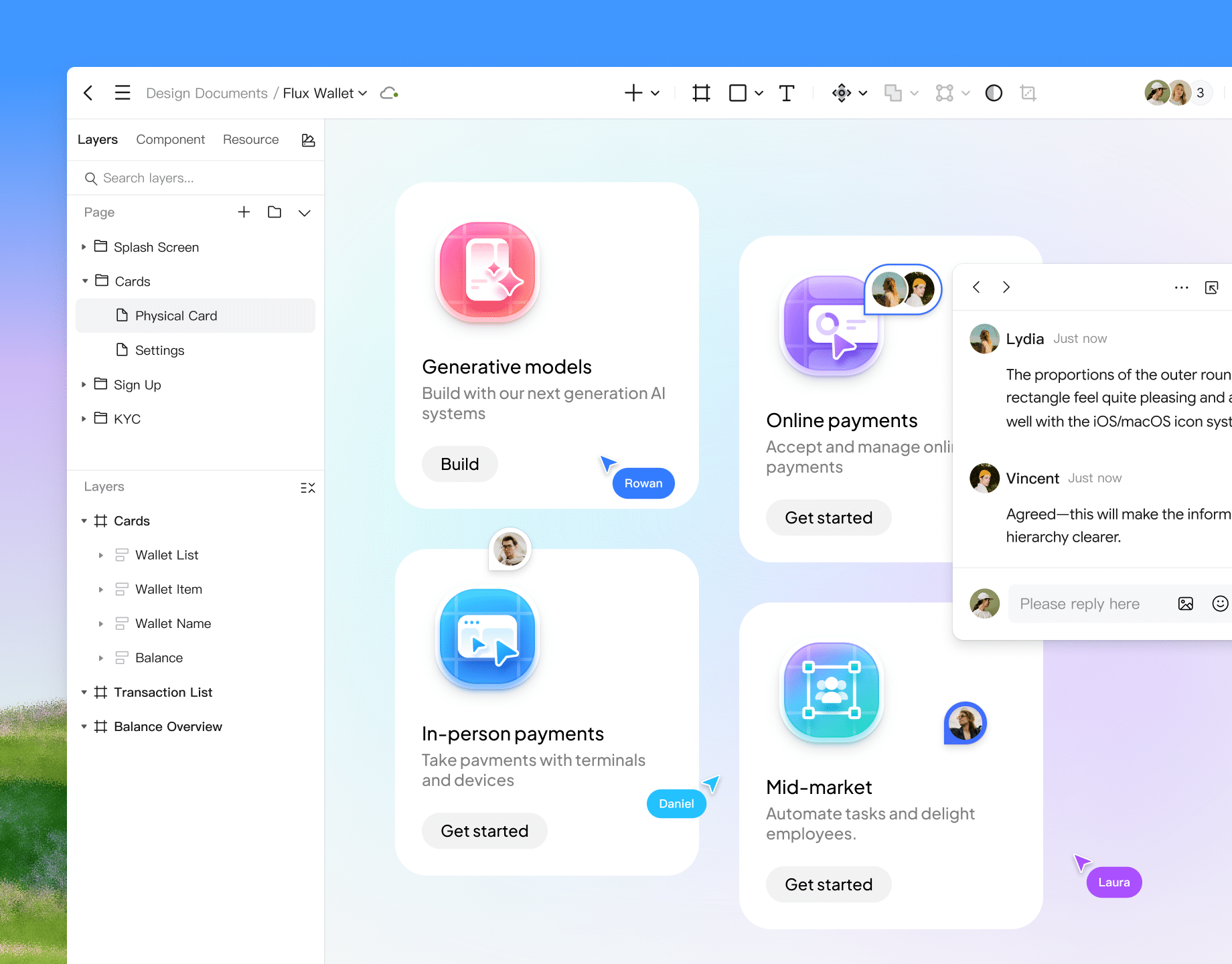
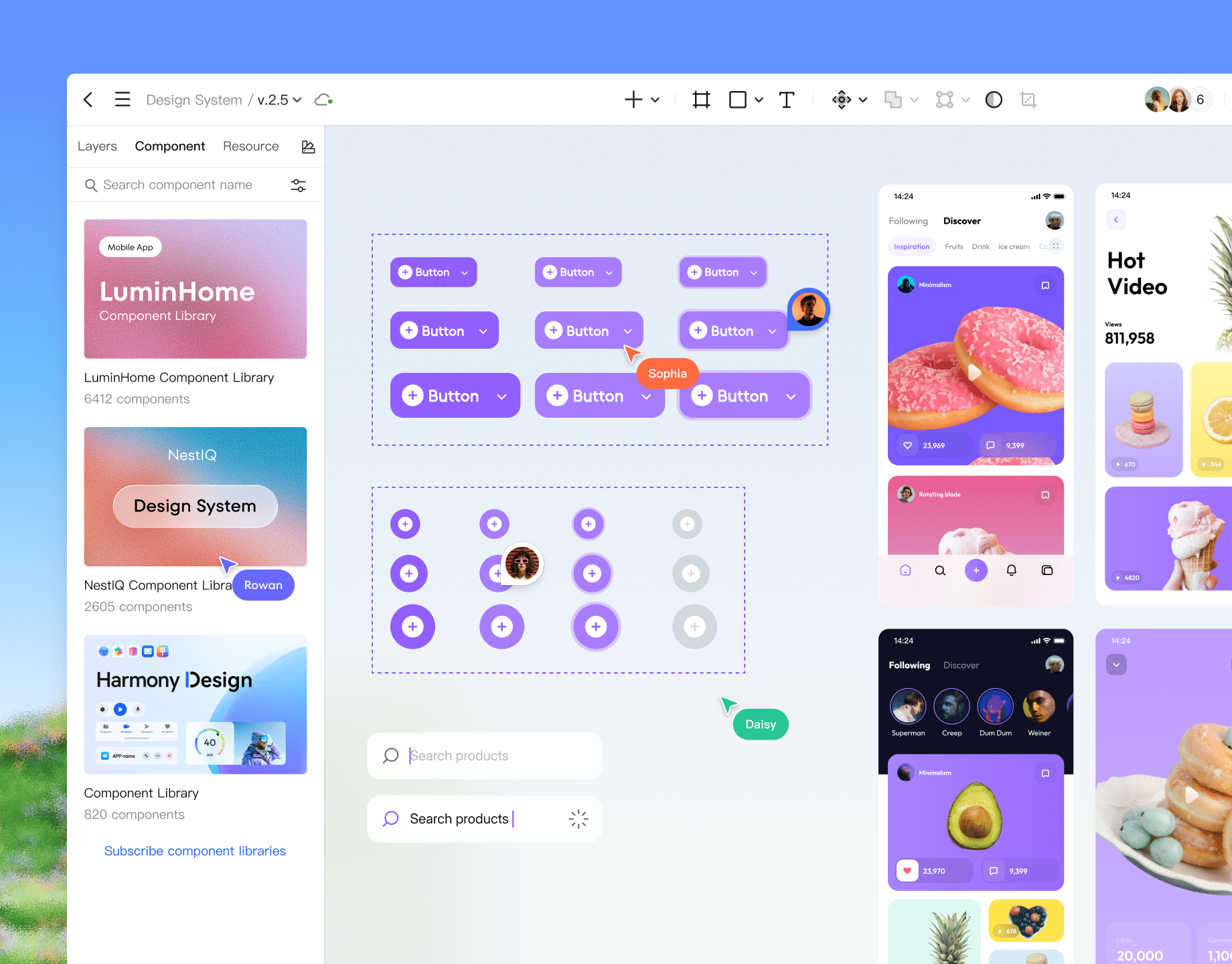
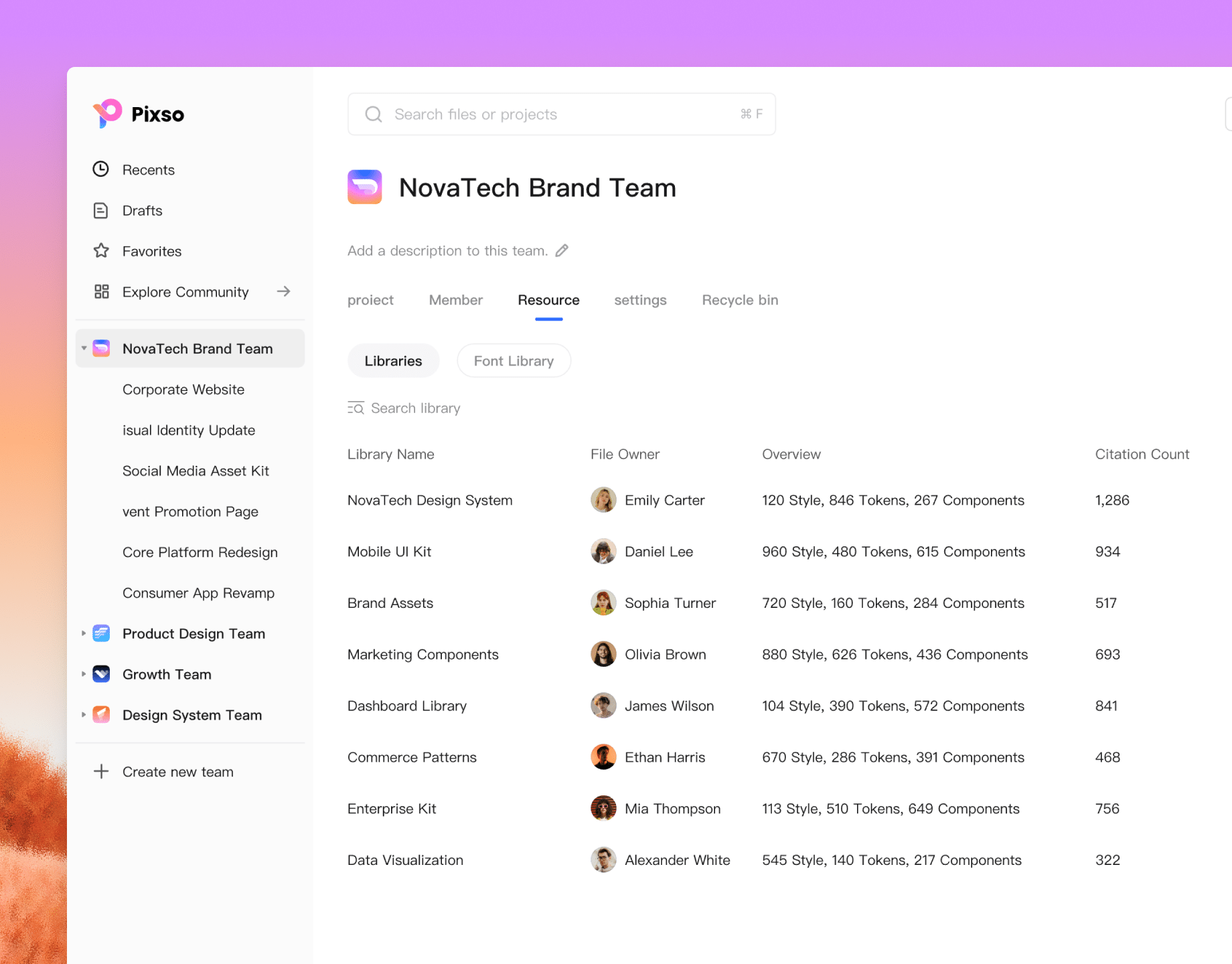
Publish styles and components to the team library for members to quickly reuse.
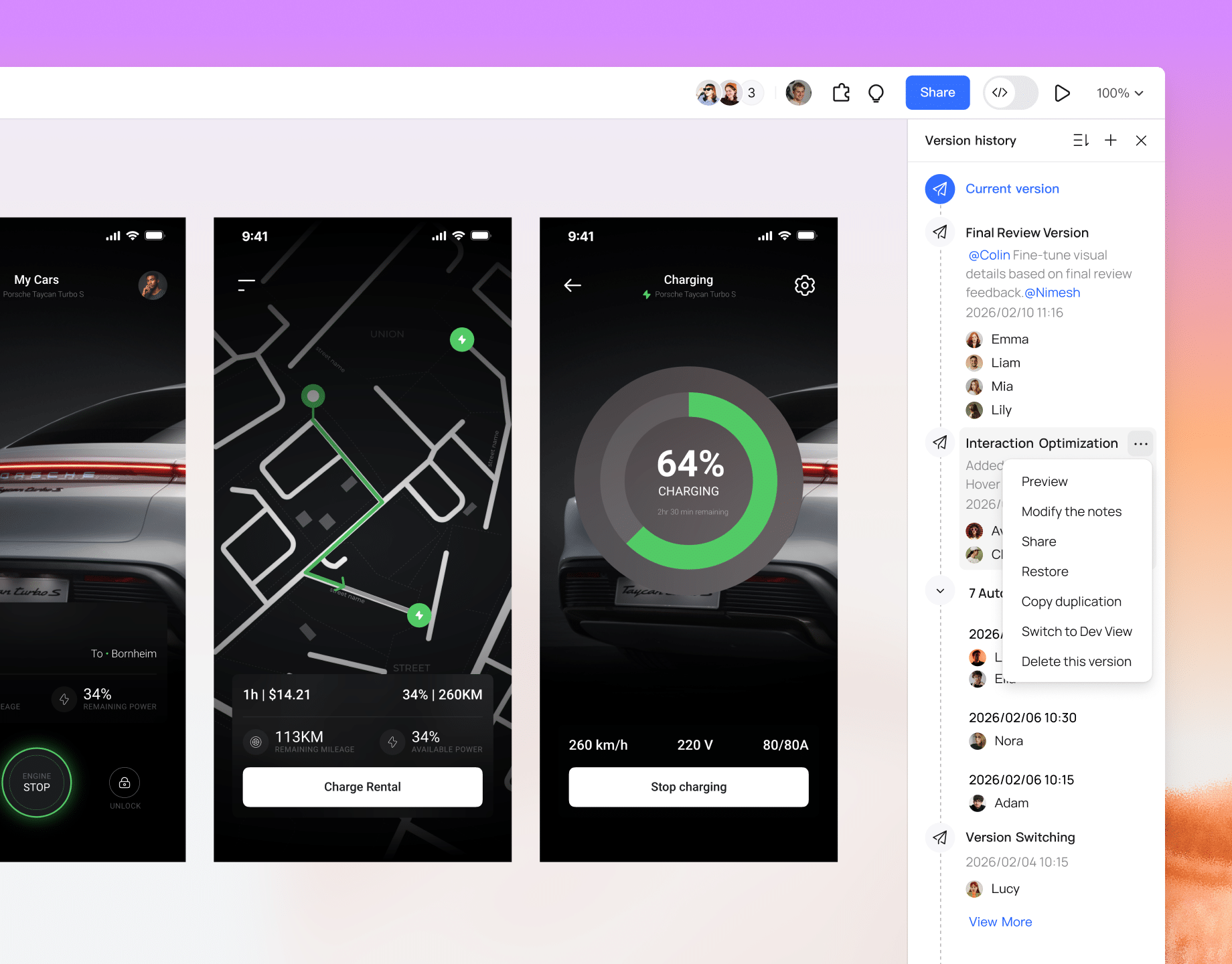
 Version history management
Use available version history to review changes and restore earlier states. Retention depends on your plan and file access.
 Pen tool
Supports smooth curves and path editing, meeting the demands for high-precision UI design and vector illustration.
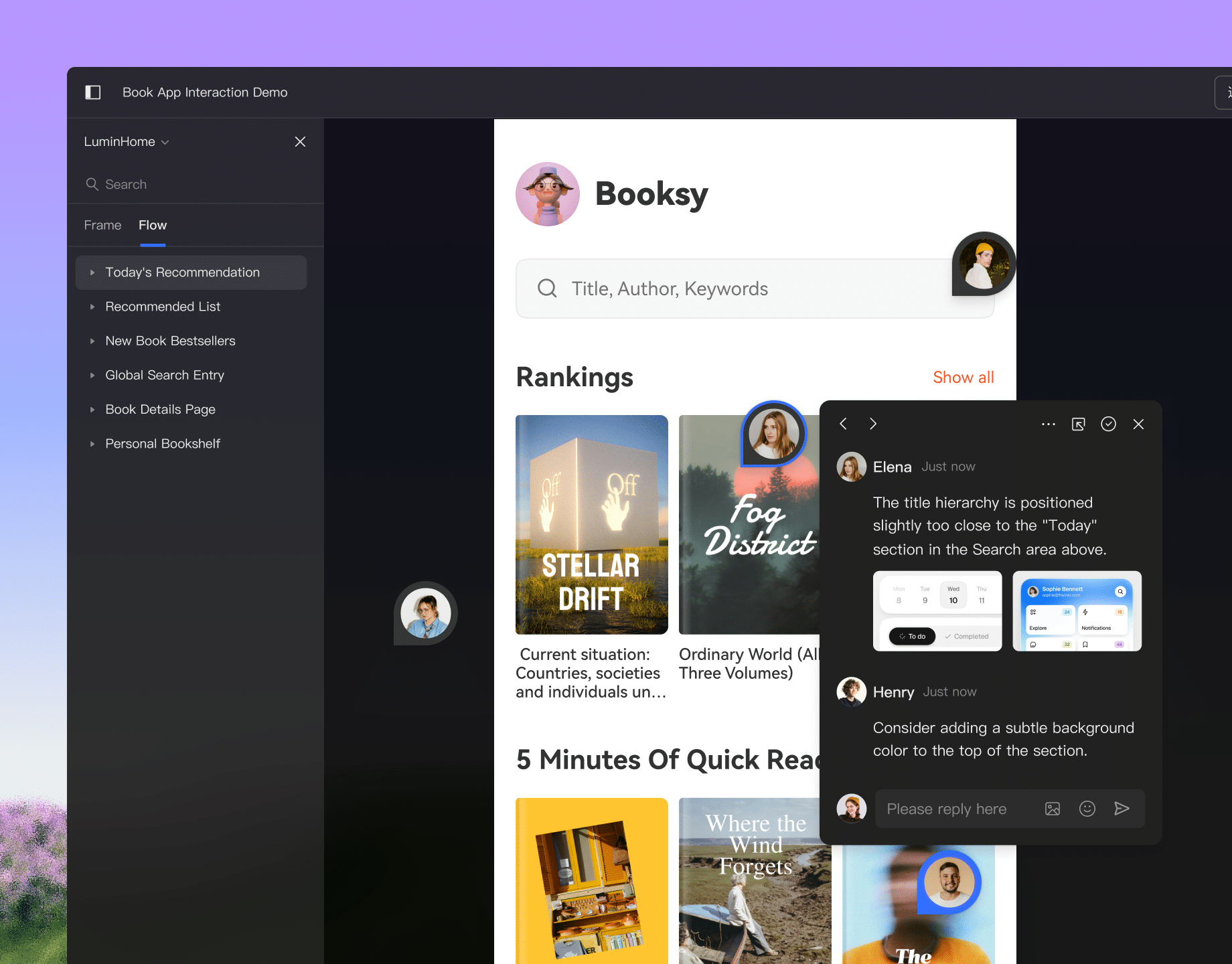
 Online comments
Team members can add comments anywhere on the canvas to discuss and reply in real time.
 Smart selection
Select multiple objects to intelligently recognize their layout and automatically distribute them evenly into rows or columns.
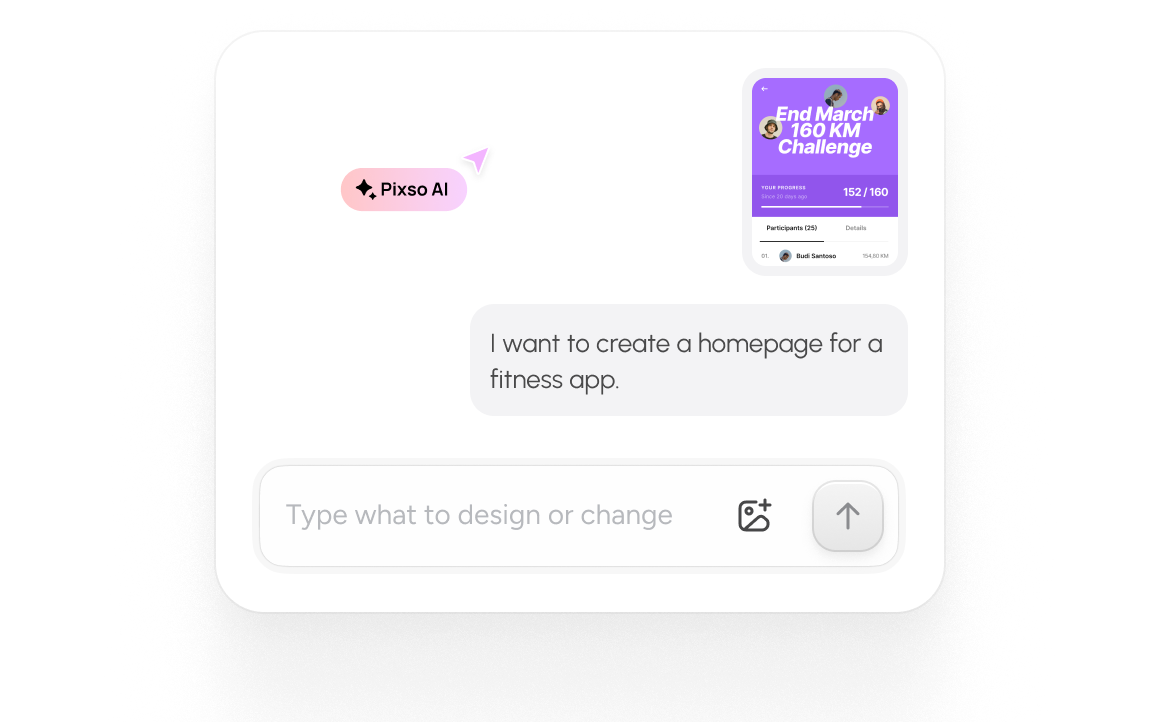
Generate editable designs
with Pixso AI
Generate and refine interfaces with Pixso AI. Explore its features and how to get started.


Built for designers, developers,
and everyone in between
smart components
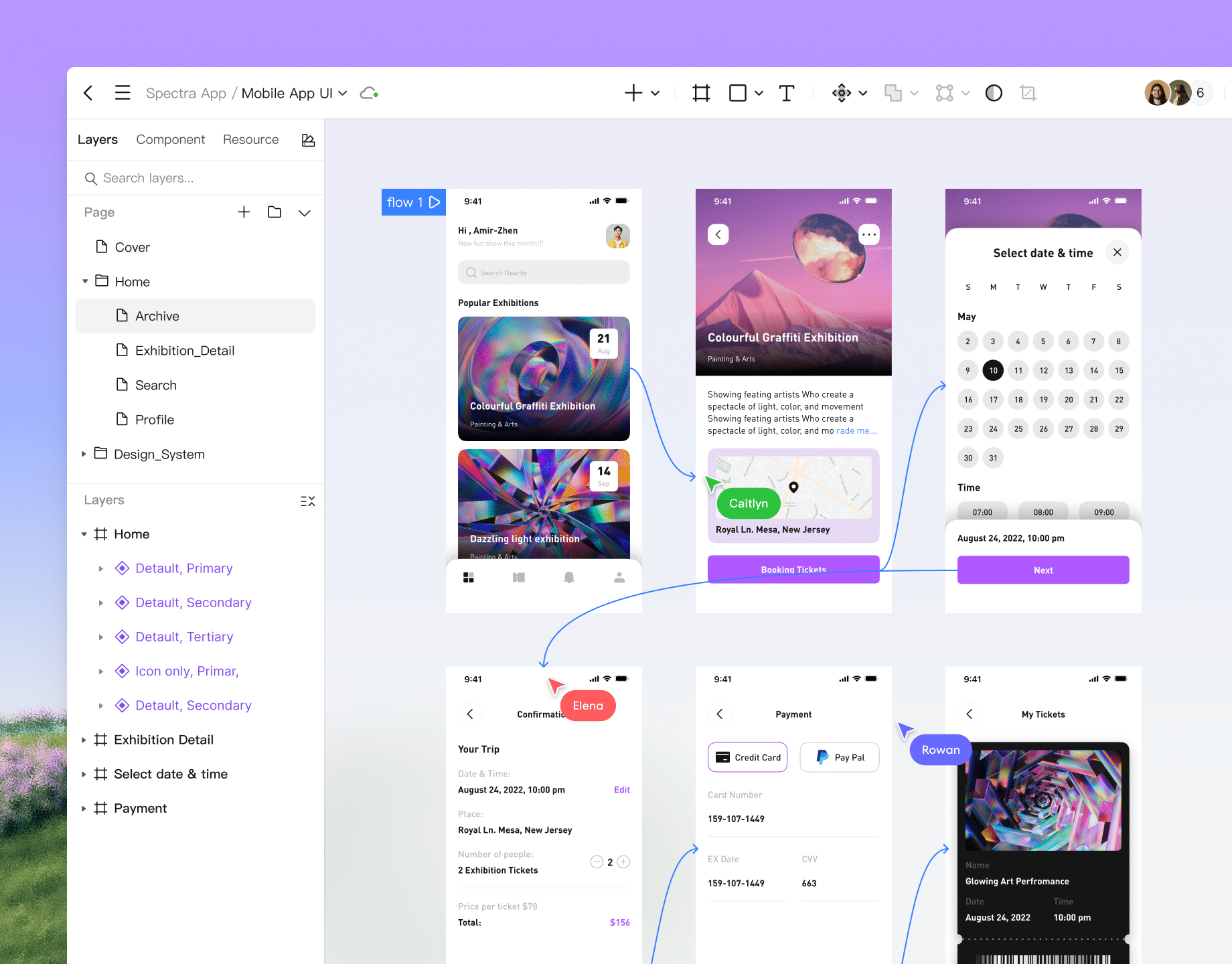
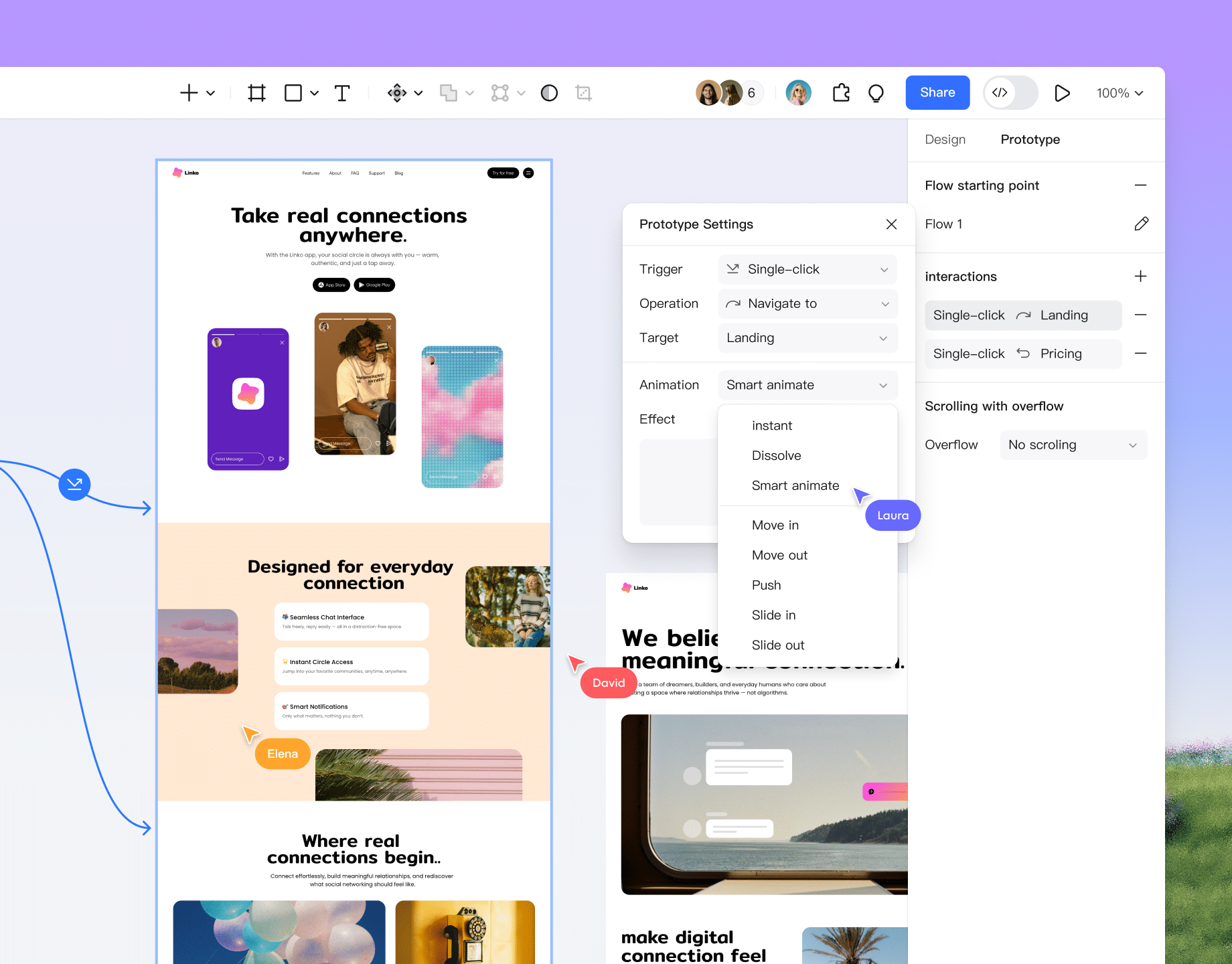
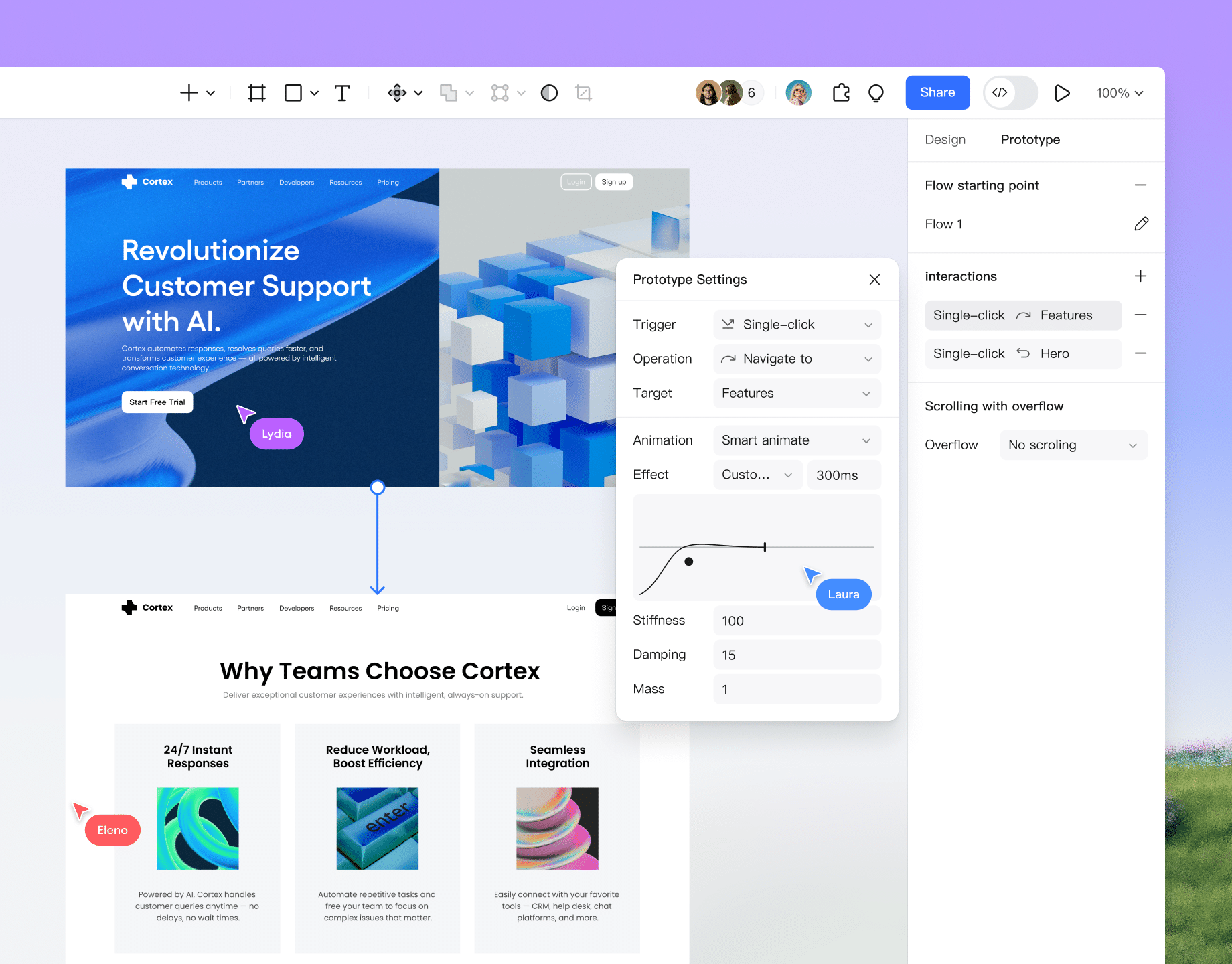
Reuse components to build prototype screens, connect interactions, and review the intended user flow with stakeholders.
Get started for freeprototype a user flow
shared design components
review a linked prototype
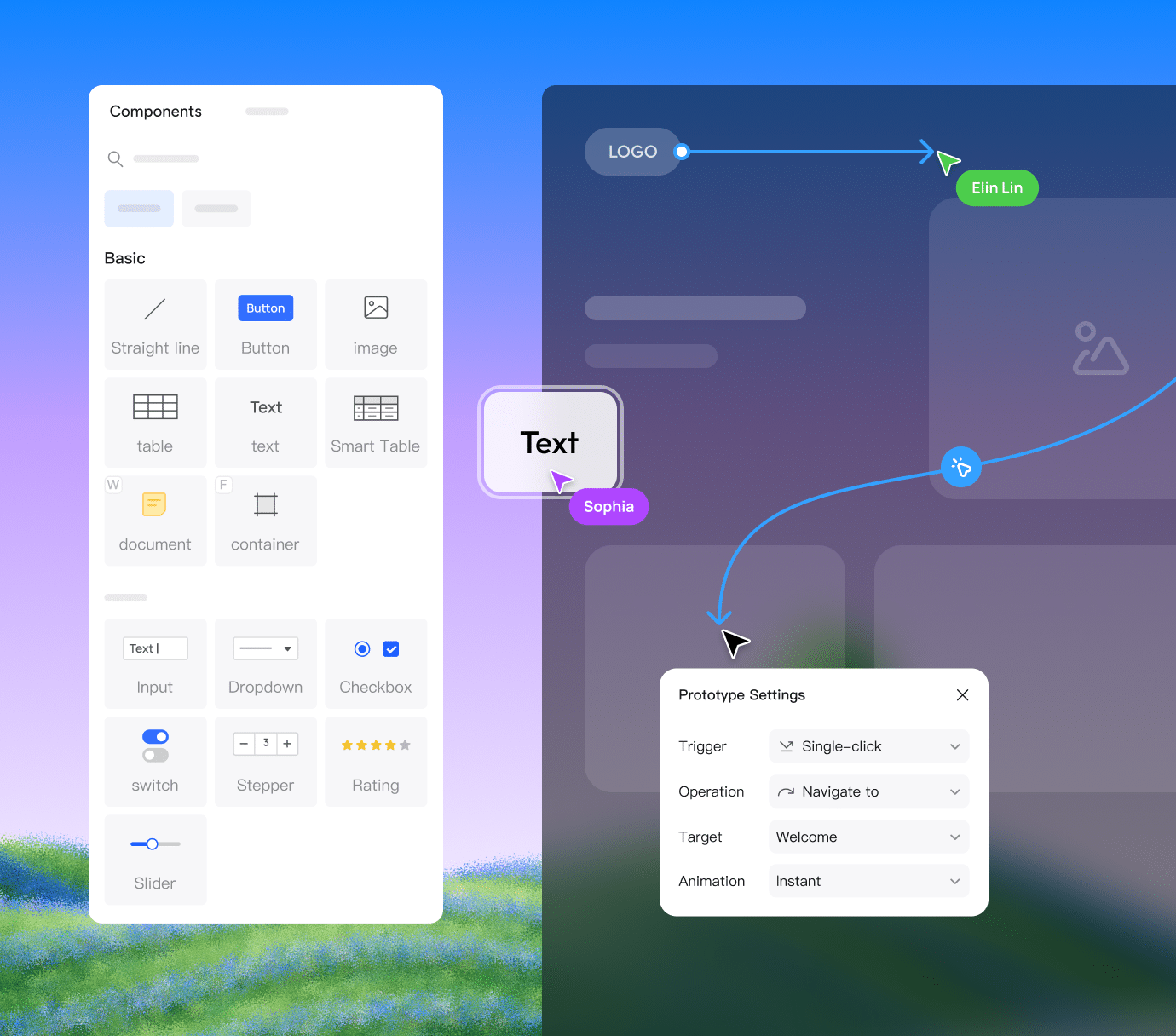
Develop ideas into interface drafts. Reuse shared styles, discuss changes, and refine the next version with your team.
Get started for freeshared visual standards
comments in context
refine the next version
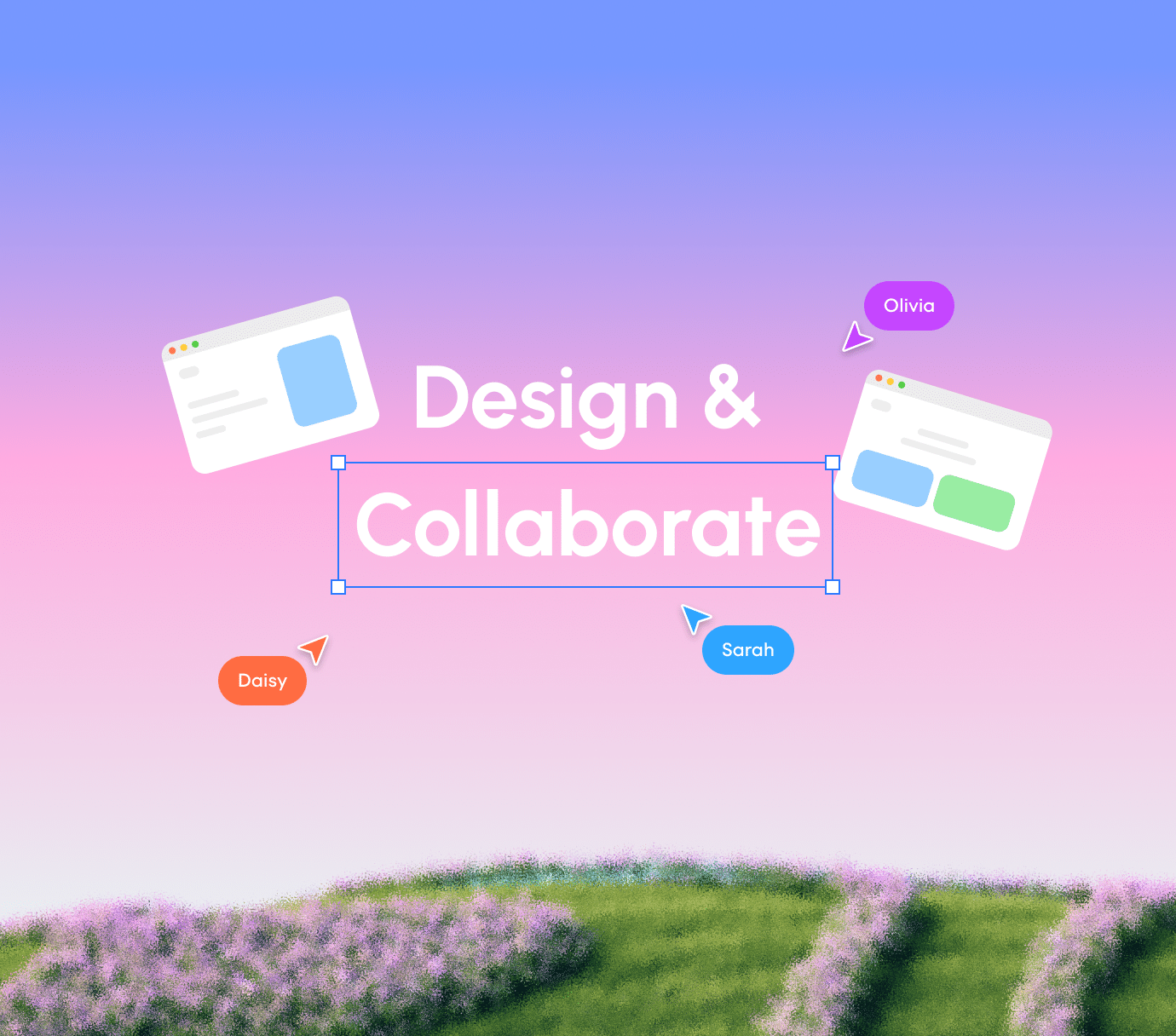
& streamline operations
Participate in the full product lifecycle online. Review, give feedback on, audit, and update operational content in real time.
Get started for freeproject work in one place
clear team responsibilities
feedback beside the design

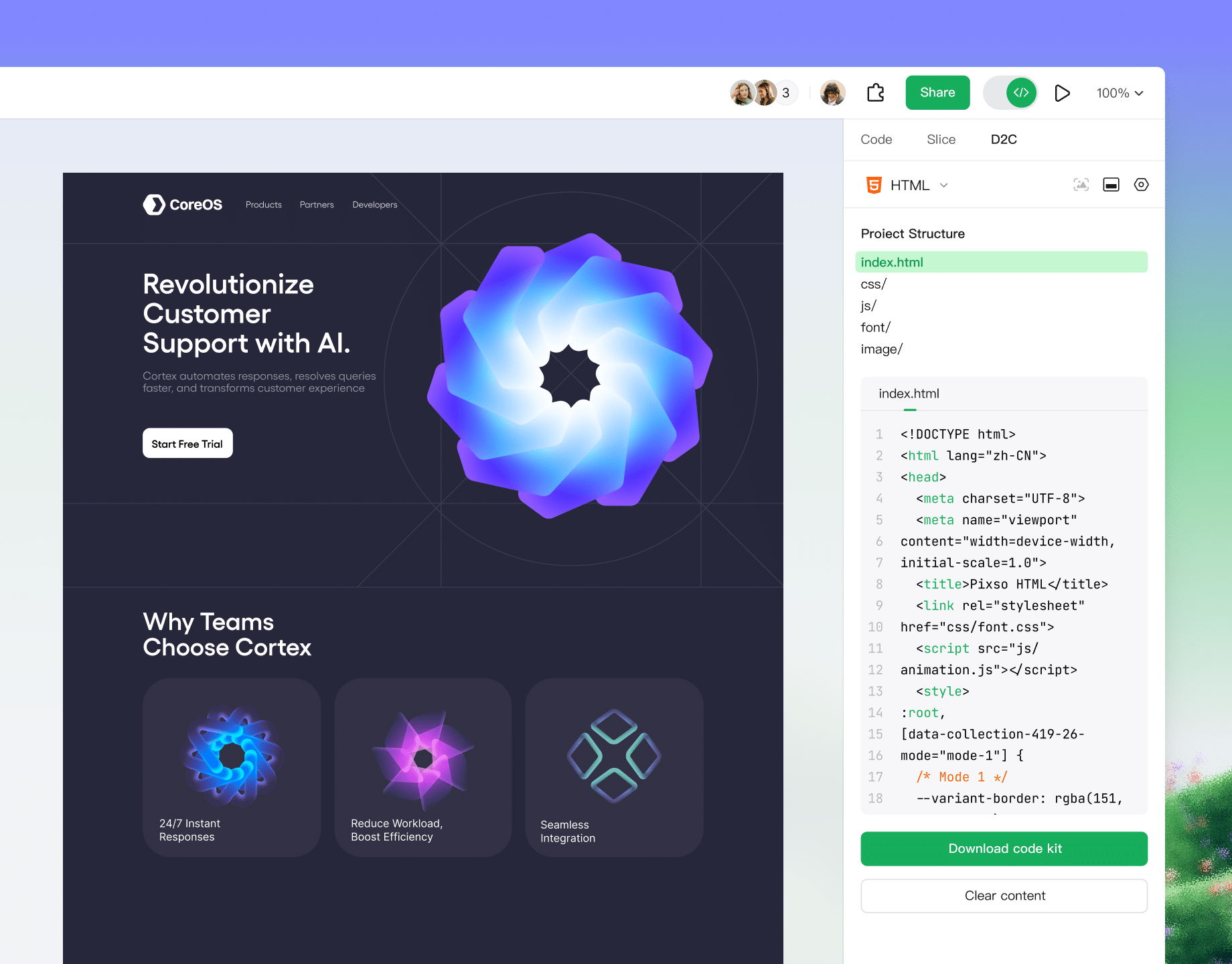
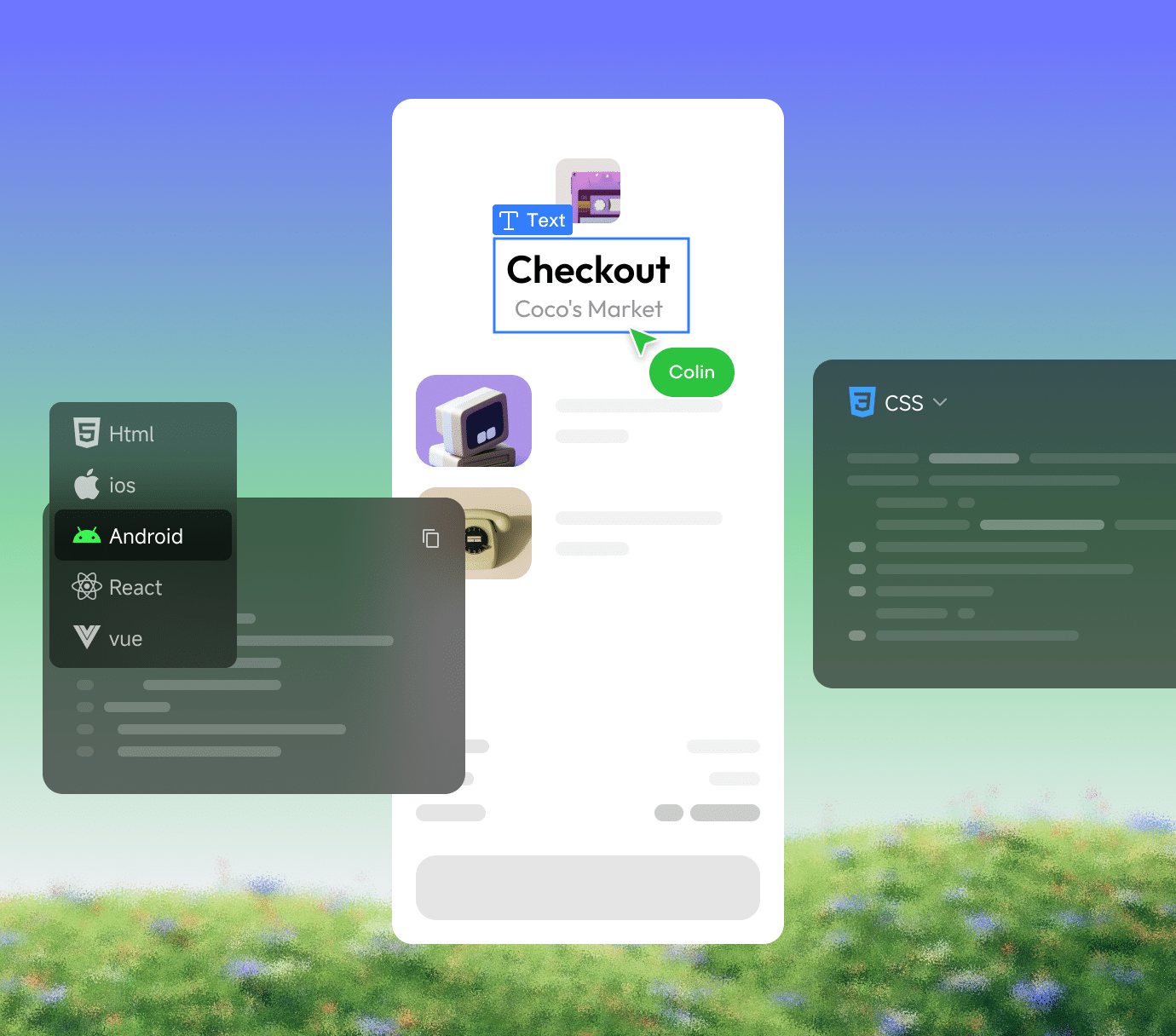
Inspect supported layers and copy available code references. Developers should check behavior, accessibility, and integration before release.
Get started for freespecifications and assets
supported code and assets
implementation details
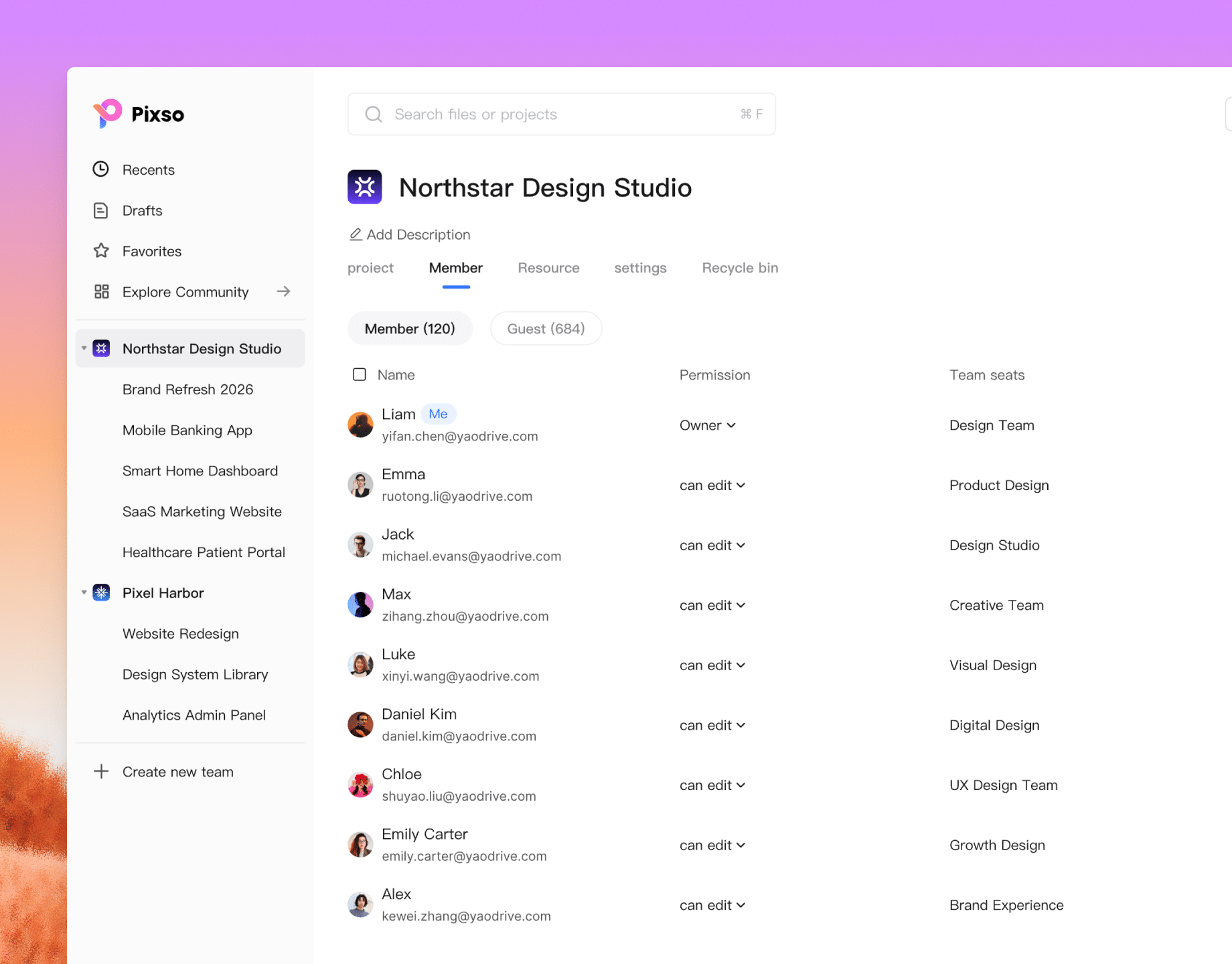
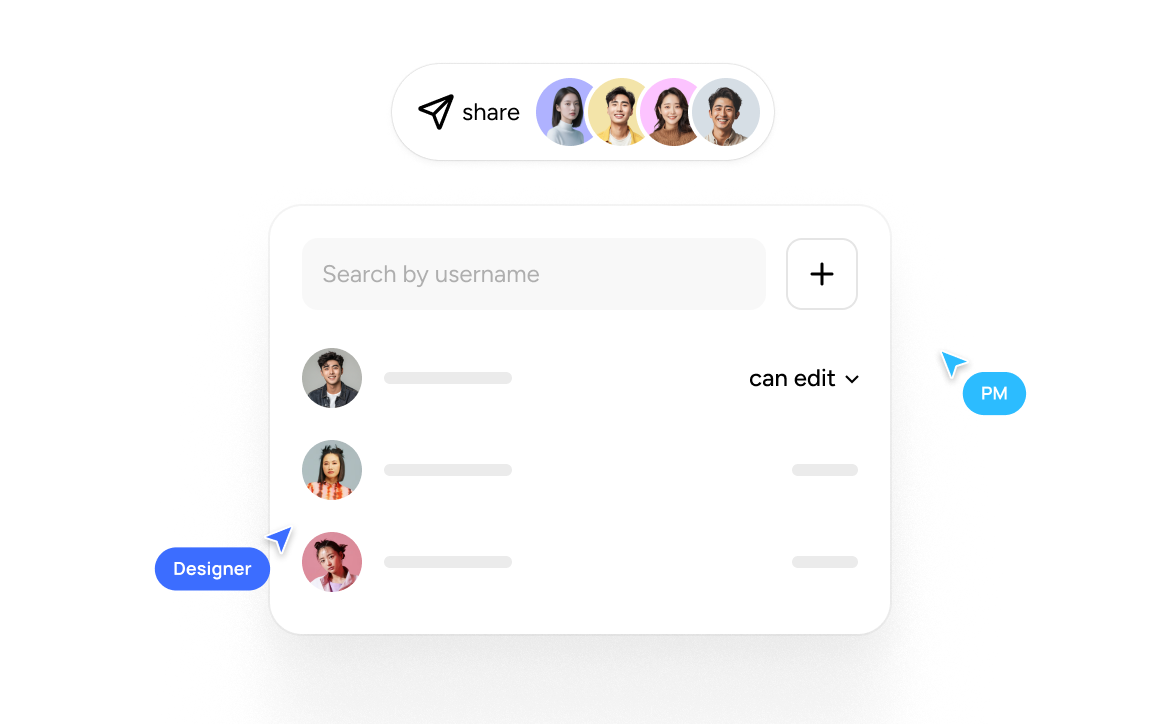
Organize design files, agree on workspace permissions, and review shared assets as your product takes shape.
Get started for freeworkspace permissions
shared team libraries
feedback for collaborators
Templates and UI design resources
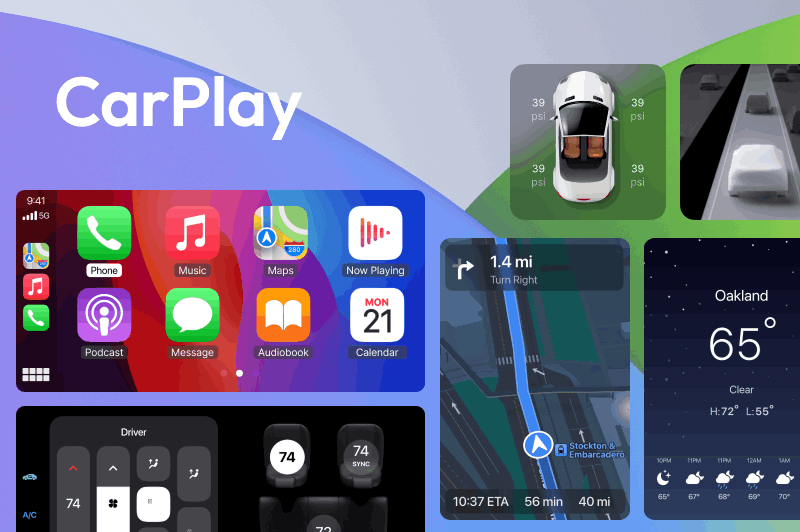
Design system
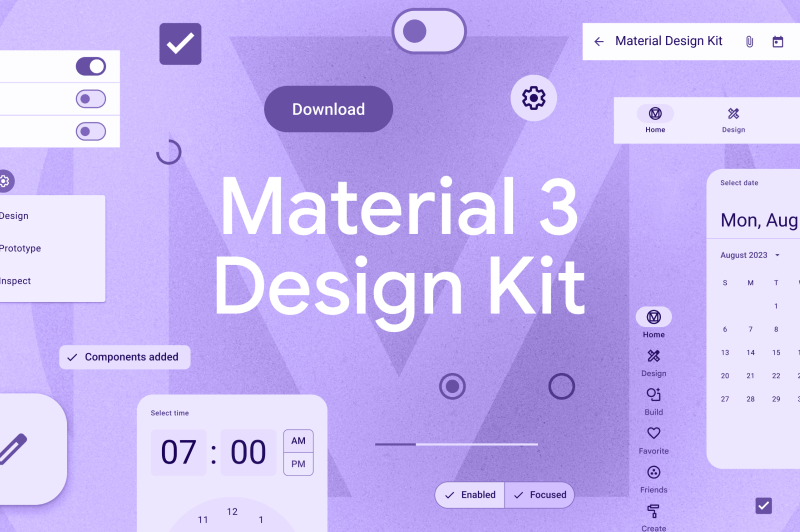
Design system

Mobile app
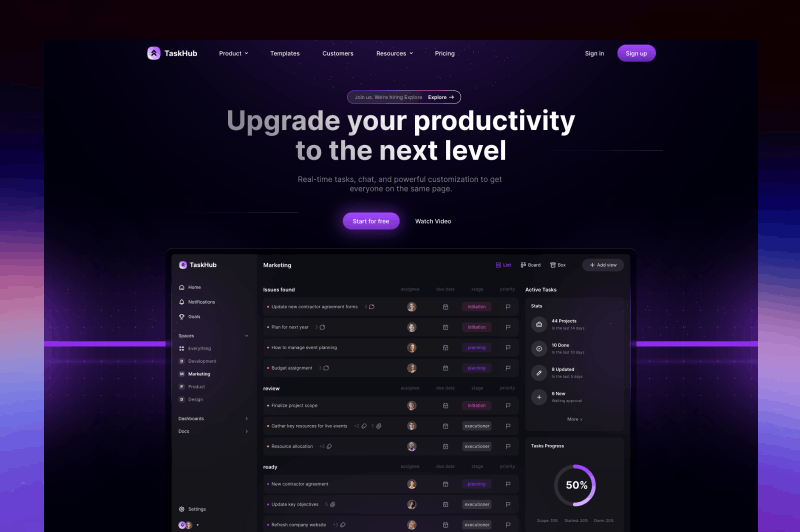
Web design
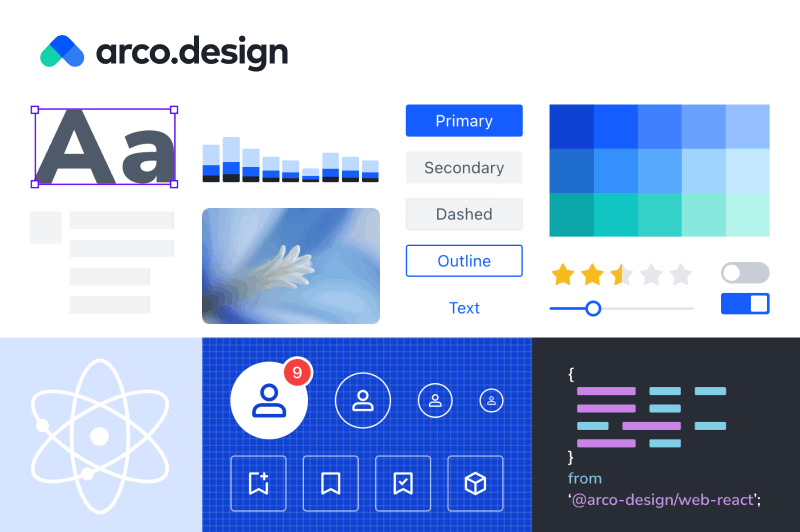
Design system
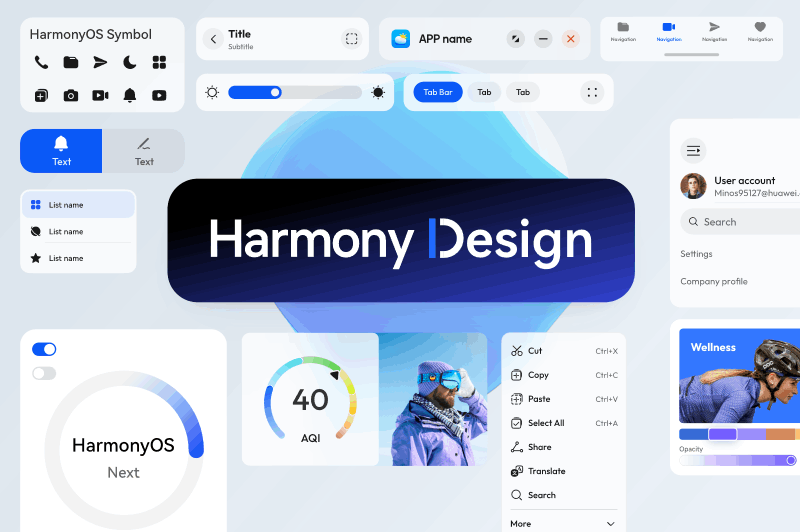
Design system

Design system

Illustrations

Mobile app
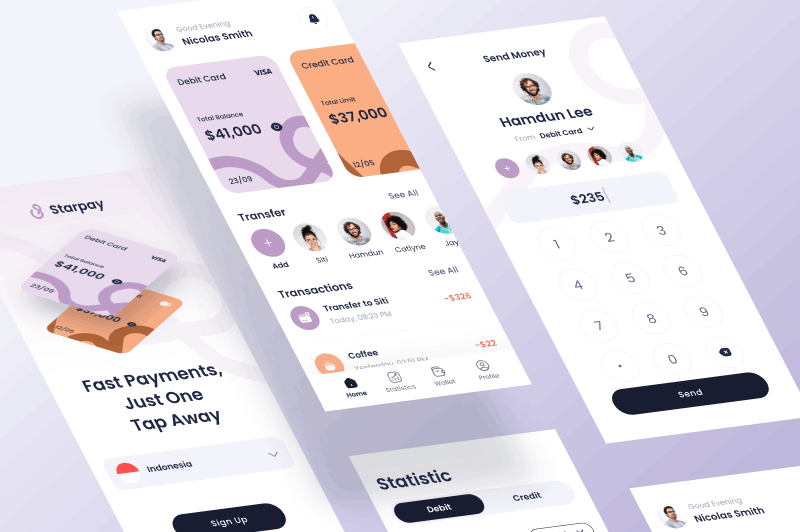
Mobile app
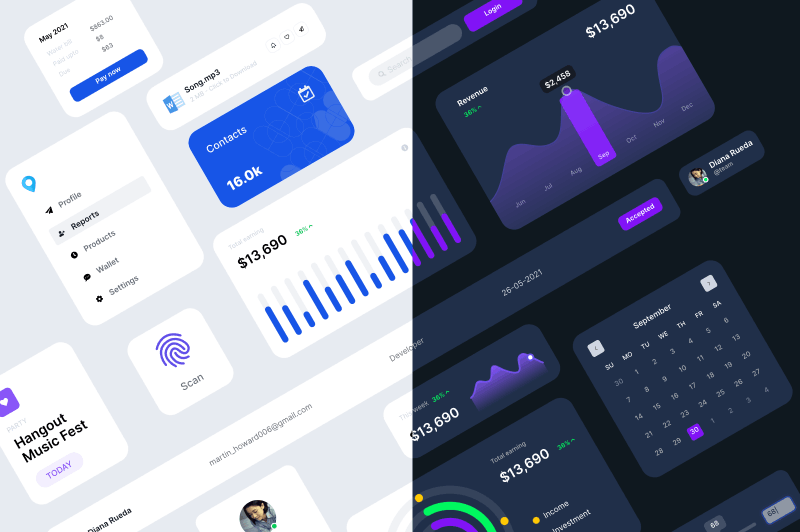
Web design



Browse community
Supercharge your designs with powerful plugins directly in the editor.

Pixso to code
Generate SwiftUI and HTML code

Patterna
Browse app screenshots

Phosphor Icons
flexible icon family for interfaces

Pexels
Website with popular pictures

Easing gradient
Smooth cubic gradients

3dicons
Collection of popular 3D icons

Tokens Studio
Use Tokens in your design files

Img to vector
Img to vector

Beautiful Shadows
Create smooth shadows

Easometric
Create isometric layers

Remove BG
Remove backgrounds

Measure
Easy measurement of sizes

ideas lost in docs and chats, constant tool switching, tedious import/export, endless file transfers, and chaotic version control.
Design collaboration
for enterprise teams
Keep members, design resources, and access organized across teams with Pixso Enterprise.
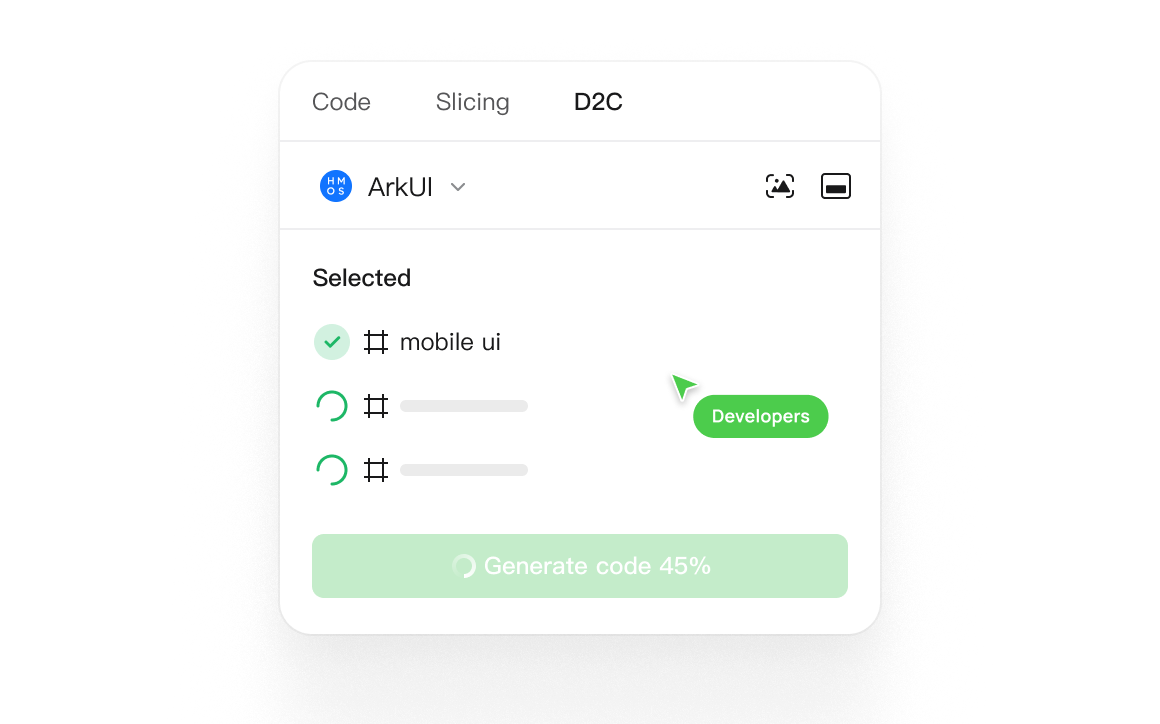
Give developers design specs, exportable assets, and code references alongside the interface. Keep implementation questions beside the design.
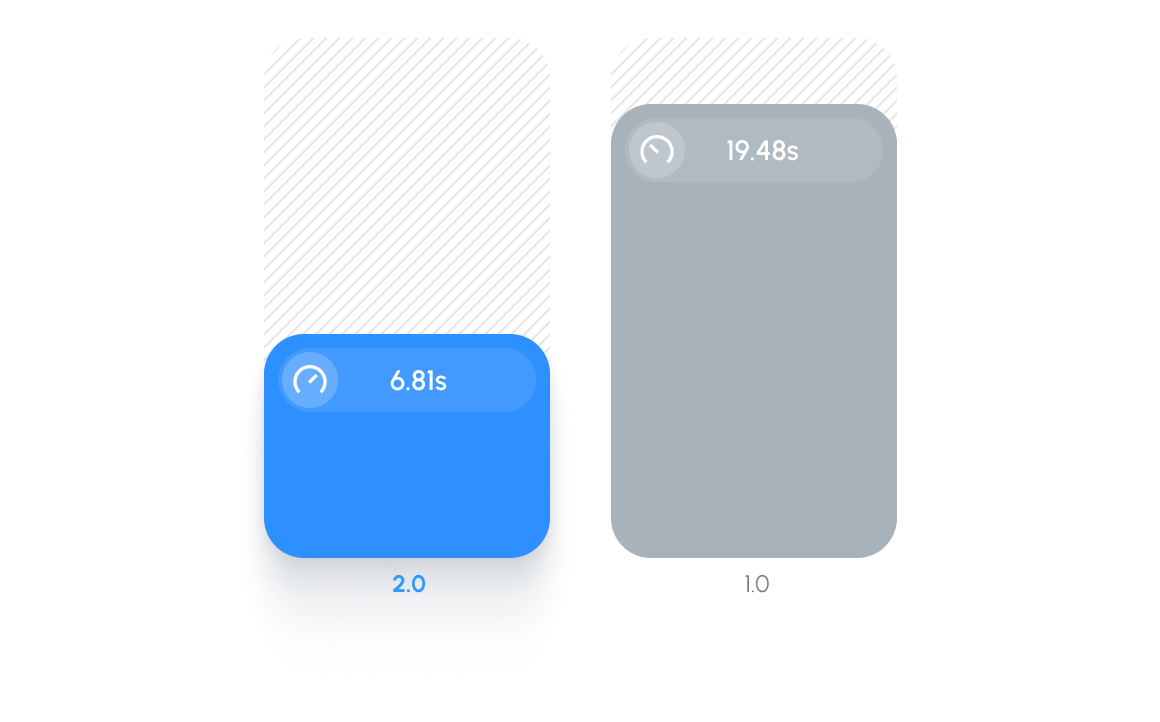
A responsive workspace for complex design files.
Explore editable layouts with Pixso AI, then refine the components and details with your team.
Customer stories
See how teams use Pixso for interface design, collaboration, and developer handoff.
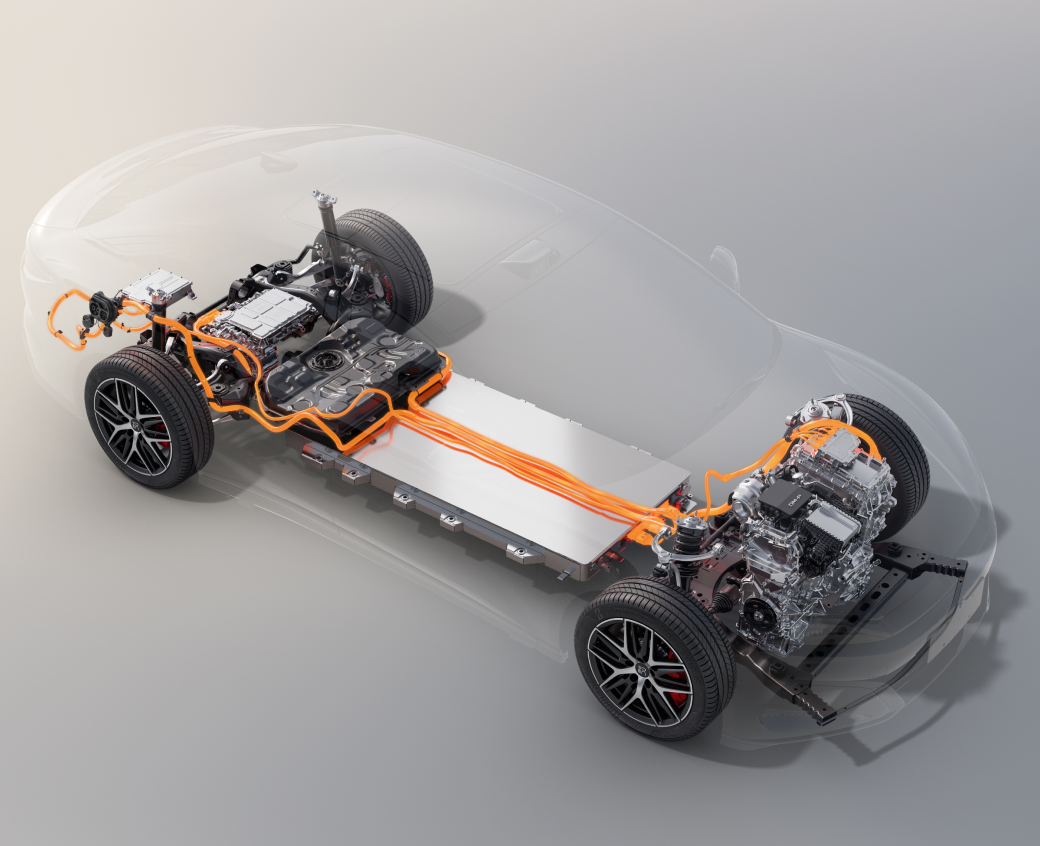
BYD adopted a private deployment of Pixso for vehicle HMI design. The workspace connects product, design and development teams, with training to support adoption.